Best VoIP for startups under 10 people in 2026
By Jamila Parker · · 8 min read

A practical comparison of VoIP systems for teams with fewer than 10 people, including pricing, routing, texting, setup effort and room to grow.
Key takeaways
- For a sub-10-person startup, simple administration and predictable cost usually matter more than enterprise feature depth.
- Quo, Zoom Phone, Nextiva, Dialpad, Ooma Office and Google Voice each fit a different kind of small team.
- Check whether routing, shared numbers, SMS, recording and CRM integration are included before comparing headline seat prices.
- A cheap entry plan can become expensive if the features you need sit one or two tiers higher.
What should a startup under 10 people actually look for?
The best VoIP for startups under 10 people is not automatically the provider with the longest feature list. A six-person software company, a nine-person agency and a three-person local service business may all need a business phone, but they do not use it the same way. At this size, the useful questions are simple: can several people answer the same number, can calls route to the right person, can you text customers, can you keep personal numbers private, and can the system be managed without a dedicated IT administrator? Cost matters, but friction matters just as much.
For 2026 buyers, the market has also become more AI-heavy. Transcripts, summaries and virtual receptionists are increasingly bundled or offered as add-ons. That can be useful, but startups should avoid paying for an AI layer before the basic call flow is right. Start with number ownership, routing, business hours, voicemail, transfer behaviour and mobile reliability. Then decide whether AI notes or a virtual receptionist will genuinely save time.
Best VoIP options for very small teams
1. Quo (formerly OpenPhone): best for shared numbers and simple collaboration
Quo is one of the easiest options to understand for a small team. Its Starter plan is listed at $15 per user per month on annual billing, while Business is $23 and adds features such as group calling, custom ring orders, transfers, phone menus, analytics, automatic recording and HubSpot or Salesforce integrations. There is no minimum-user requirement on the pricing pages we checked, which makes it practical for teams starting with only one or two users.
The trade-off is that its strongest fit is still teams that mainly call and message in the US and Canada. International calling is metered, and some messaging registration or carrier fees can apply. If your startup lives in a shared customer inbox and wants everyone to see the same conversation history, Quo is an especially clean starting point.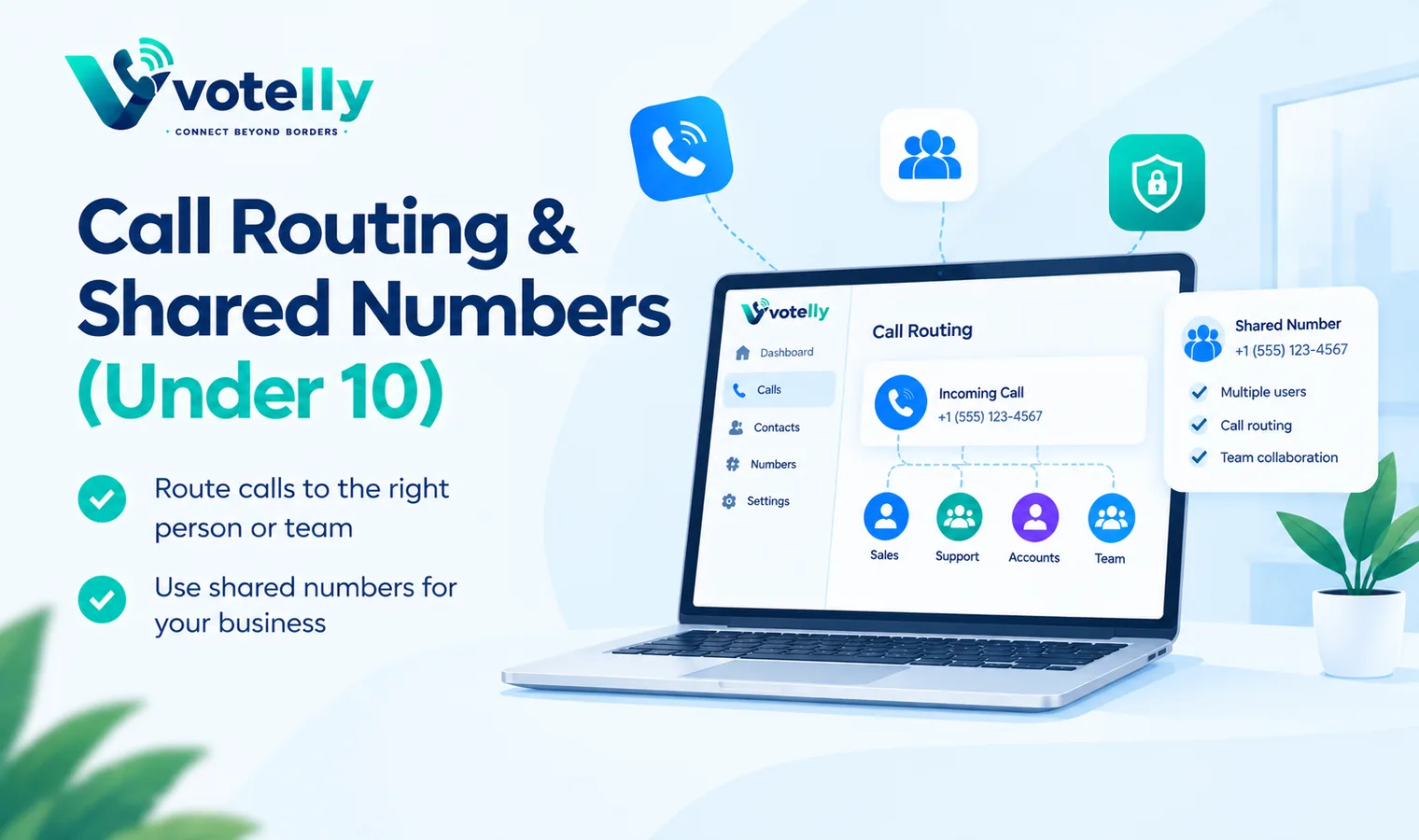
2. Zoom Phone: best low-cost phone layer if you already use Zoom
Zoom Phone remains attractive when a team already uses Zoom Workplace. Zoom says its North America unlimited plan starts at $15 per user per month, with domestic calling, SMS/MMS, a number, call recording, multiple-device support and integrations. The bigger advantage is consolidation: meetings, chat and phone can sit in one familiar application instead of introducing a separate phone tool.
A startup that does not already use Zoom may find the product broader than it needs, but the pricing is competitive and the platform can scale well beyond 10 people. It is a strong choice when the phone system is expected to become part of a larger collaboration stack.
3. Nextiva: best for startups that need real routing early
Nextiva's current small-business Core plan is shown from $15 per user per month on annual billing and includes inbound and outbound voice, business SMS, video, team chat, mobile access and call routing. That makes it a useful option for a small company that is already thinking in terms of departments, queues or customer-facing workflows rather than just a second phone number.
The main thing to watch is the jump between tiers. Engage is positioned for more advanced interaction management and reporting, while contact-centre capabilities sit higher again. A five-person company should map its actual call flow before upgrading simply because a higher plan sounds more complete.
4. Dialpad Connect: best for AI-first internal and customer calling
Dialpad Connect Standard is listed at $15 per user per month when billed annually and $27 monthly. Its appeal is the combination of calling and AI-assisted communications in a relatively mature platform. For a startup that wants transcripts, searchable conversations and a system that can grow into sales or support products later, Dialpad is worth a trial.
The caution is product segmentation. Dialpad also sells separate sales and support products, so founders should confirm which features live in Connect and which require a different licence. Compare the exact workflow you need rather than assuming every Dialpad capability is included in the entry business-communications plan.
5. Ooma Office: best for a traditional small office
Ooma Office is straightforward for businesses that still like desk phones, reception-style handling or a conventional office setup. Essentials is $19.95 per user per month with a virtual receptionist, mobile app and unlimited calling in the US, Canada, Mexico and Puerto Rico. Pro adds desktop use, recording, voicemail transcription and texting, while Pro Plus adds call queues and CRM integration.
Unlike many SaaS-first providers, Ooma does not require an annual commitment for these plans. That makes it appealing for a small clinic, local service business or professional office that wants predictable telephony without turning its phone system into a full sales-engagement platform.
6. Google Voice: best for the simplest Google Workspace setup
Google Voice starts at $10 per user per month for the Workspace add-on Starter plan. It is inexpensive and familiar, but the entry plan is intentionally limited. Standard costs $20 per user per month and is where Google's more serious business telephony features appear, including auto attendants, ring groups and call queuing. Premier is $30 and adds international location support and advanced reporting.
That means Google Voice can be excellent for a tiny Workspace-centric team, but the lowest advertised price is not an apples-to-apples replacement for a full small-business PBX. If you need a shared sales line or structured routing, budget around the Standard tier rather than the Starter headline.
Quick price comparison for a five-person startup
At five seats, annual-billing entry prices can look very close. Five Quo Starter or Dialpad Standard seats are about $75 per month before taxes and usage charges. Five Zoom Phone North America unlimited seats start around the same level. Nextiva Core also advertises $15 per user per month annually. Ooma Essentials is about $99.75 per month, and Google Voice Starter is $50—but Google Voice Standard is $100 if you need ring groups and auto attendants. This is why feature-equivalent cost is more useful than lowest-plan cost.
How to choose without overbuying
Write down one real inbound call. Who answers first? What happens after 20 seconds? What happens after hours? Can another teammate see the caller history? Then write down one outbound workflow. Does the rep need CRM logging, SMS follow-up, recording or a power dialer? A startup that can answer those questions can usually eliminate half the market in an afternoon.
For most sub-10-person teams, choose the cheapest plan that solves the current call flow with one sensible upgrade path. Quo is particularly strong for a shared-number workflow, Zoom Phone for teams already in Zoom, Nextiva for early routing needs, Dialpad for AI-focused teams, Ooma for classic office telephony and Google Voice for very small Google-centric businesses. Test the mobile app and inbound routing before committing—those two areas affect everyday usability more than almost any comparison-table feature.
Features a tiny team should not pay extra for too early
A startup under 10 people can easily overbuy. Workforce management, complex compliance packages, advanced contact-centre wallboards and multi-site administration sound impressive, but they rarely create value before the team has repeatable call volume. The same is true of sophisticated outbound diallers if only one founder makes occasional prospecting calls. Buy the smallest plan that handles your current customer journey well, then upgrade when the volume or process changes. This keeps the phone stack easy to manage and protects cash while the business is still learning how customers prefer to contact it.
Questions to ask during a free trial
Do not spend the trial exploring menus. Use real scenarios. Port or provision a test number, set business hours, create one shared route, make and receive calls on desktop and mobile, send an SMS, transfer a call and let a call go unanswered. Check how voicemail appears, whether notifications are reliable and whether another teammate can understand the conversation history without asking for context. If the platform connects to your CRM, verify that the activity is logged in the right record and that duplicate contacts are not created.
What changes when the startup grows past 10 people?
At around 10 to 20 users, ownership and reporting start to matter more. You may need separate sales and support queues, manager access, stronger role permissions, automatic recording, CRM workflows and clearer analytics. That does not mean you must switch providers, but it does mean the upgrade path matters when choosing today. A startup can save time later by selecting a platform that lets it add more sophisticated routing without rebuilding every number, greeting and integration from scratch.
Bottom line
For most tiny teams, there is no universal winner. Quo is an excellent simplicity benchmark, Zoom Phone and Nextiva are strong value options, Dialpad is attractive for AI-first teams, Ooma suits a classic office and Google Voice remains hard to beat for very basic Workspace-based calling. Build the shortlist around the way customers actually reach you, not around a vendor's longest feature list. The right VoIP for a startup is the one your whole team can use correctly on day one and still afford when headcount doubles.
At-a-glance comparison
Provider |
Entry price checked |
Best fit under 10 |
|
Quo |
From $15/user/mo annual |
Shared numbers and collaborative calling |
|
Zoom Phone |
From $15/user/mo |
Teams already using Zoom |
|
Nextiva |
From $15/user/mo annual |
Routing and broader customer communications |
|
Dialpad Connect |
From $15/user/mo annual |
AI-first communications |
|
Ooma Office |
From $19.95/user/mo |
Traditional small office |
|
Google Voice |
From $10/user/mo |
Simple Google Workspace calling |
Frequently asked questions
- What is the cheapest VoIP for a startup under 10 people?
- Google Voice Starter is $10 per user per month, while several full business-phone options start around $15. The cheapest useful option depends on whether you need shared routing, call queues or CRM features.
- Is Google Voice enough for a small startup?
- It can be for simple individual lines. Teams that need auto attendants, ring groups or queues should look at Google Voice Standard or another business VoIP platform.
- Do startups need desk phones for VoIP?
- Usually not. Most modern VoIP systems work through desktop, browser and mobile apps. Desk phones are optional for teams that prefer a traditional office setup.
- Can a five-person team share one business number?
- Yes, but the exact shared-number and routing controls vary. Quo, Nextiva, RingCentral and similar systems are designed for shared business call handling.
- Should a startup choose monthly or annual billing?
- Monthly billing gives flexibility; annual billing usually lowers the per-user rate. Early-stage teams should compare the discount with the risk of paying for seats they may not need.
- What is the best VoIP for a remote startup?
- A softphone-first system with strong mobile and desktop apps is usually best. Quo, Zoom Phone, Dialpad and Nextiva are all reasonable candidates depending on routing and integration needs.