Cloud Phone System vs On-Premise PBX, Compared Honestly
By Jamila Parker · · 6 min read

Cloud phone systems remove most PBX hardware and shift operations to a provider; on-premise PBX keeps more infrastructure under your control. Compare the real trade-offs.
Key takeaways
- Cloud phone systems usually reduce local PBX hardware and make remote/mobile users easier to support.
- On-premise PBX can offer direct infrastructure control and may suit specialised legacy or survivability requirements.
- Cloud does not remove network responsibility: LAN, Wi-Fi, ISP and power still affect voice quality.
- Compare five-year total ownership, including hardware refresh, carrier contracts, IT labour and disaster recovery.
The honest difference
Cloud phone system vs on-premise pbx. An on-premise PBX is phone-system infrastructure you operate at a site or data centre. A cloud phone system moves most call-control software to a service provider and lets users connect through apps, IP phones and internet links. Both can deliver extensions, transfers, queues, voicemail and public telephone connectivity. The difference is who operates the platform and where the operational risk sits.
Cloud is not automatically “better,” and on-premise is not automatically “more reliable.” A modern cloud service can have geographically redundant infrastructure while a single office PBX can survive an internet outage if local trunks remain available. Conversely, a cloud user on mobile data can keep working when the office building is offline. Architecture decides resilience.
Cloud vs PBX at a glance
Area |
Cloud phone system |
On-premise PBX |
|
Upfront cost |
Usually lower; subscription-led |
Hardware, licences, installation and capacity planning |
|
Ongoing operations |
Provider operates core platform |
Your IT/partner patches, monitors and maintains |
|
Remote work |
Native app model is common |
Often needs VPN, SBC or remote extensions |
|
Scaling |
Add licences/numbers in portal |
May require licences, hardware or trunk capacity |
|
Internet dependence |
High for endpoints and cloud access |
Depends on trunk/remote architecture |
|
Control |
Configuration within vendor platform |
More direct infrastructure and routing control |
|
Disaster recovery |
Provider redundancy plus endpoint connectivity |
Must be designed and funded by organisation |
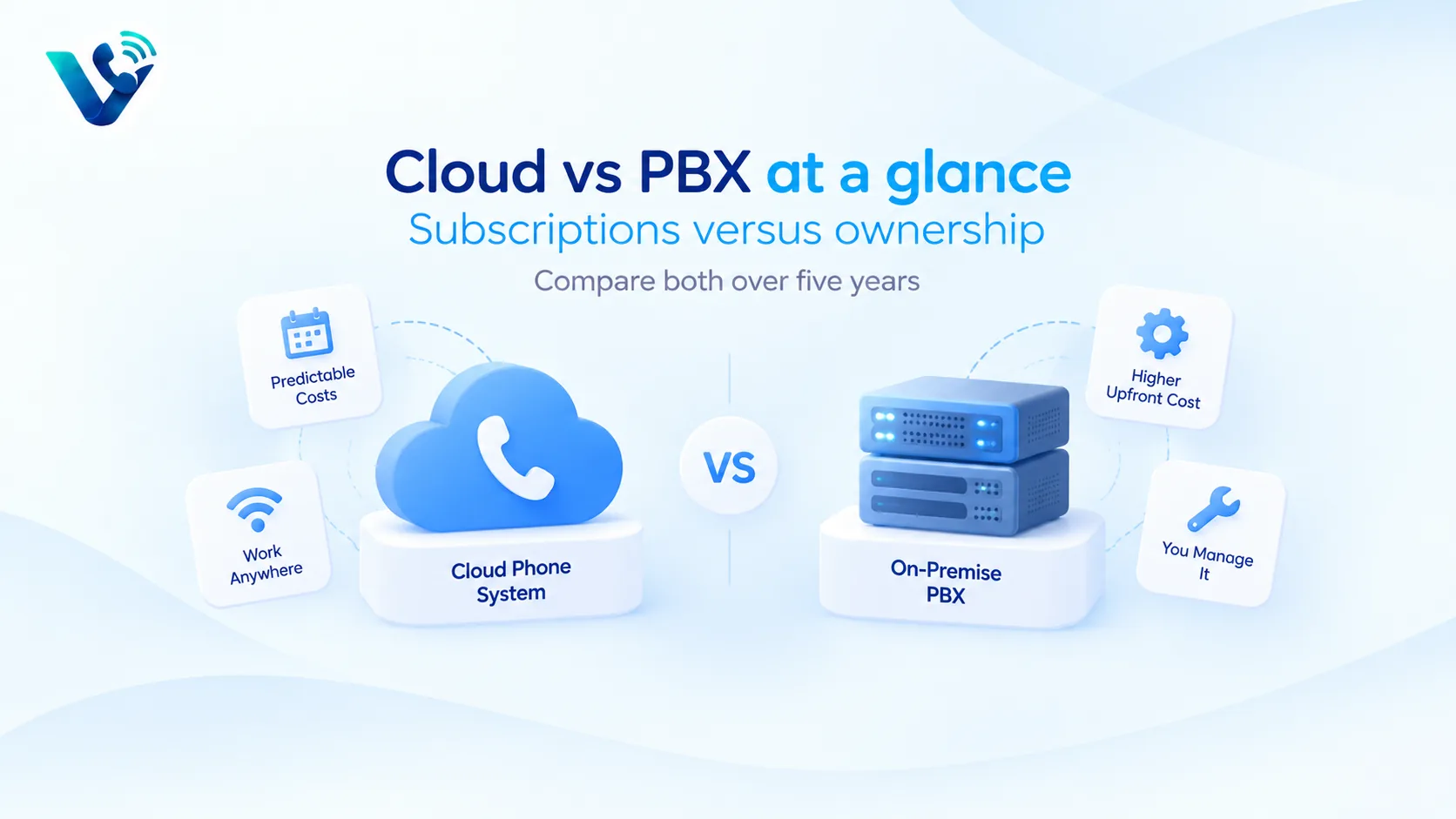
Cost: subscriptions versus ownership
Cloud pricing is visible as a recurring per-user or usage charge. On-premise cost is distributed across PBX hardware, support contracts, software upgrades, SIP/PRI trunks, session border controllers, server or appliance power, spare parts, specialist labour and replacement cycles. A PBX that looks paid off can still consume substantial operational time.
Cloud systems also have hidden costs: premium support, international minutes, numbers, AI, storage, contact-centre features and internet upgrades. Compare both architectures over five years. Include one hardware refresh or major software upgrade for the PBX and realistic subscription increases for cloud.
Reliability is an end-to-end problem
Voice quality depends on the endpoint, LAN/Wi-Fi, WAN, internet path, provider media infrastructure and PSTN route. Moving the PBX to the cloud does not fix congested office Wi-Fi. Likewise, keeping a PBX in the building does not protect remote workers or a site from power, fire or carrier failures.
Design for failure: dual internet connections for critical sites, PoE backup for network equipment, mobile fallback, alternative call routing, documented emergency calling and tested disaster procedures. Ask cloud vendors how calls reroute during service events; ask PBX teams how a second site takes over if the primary system fails.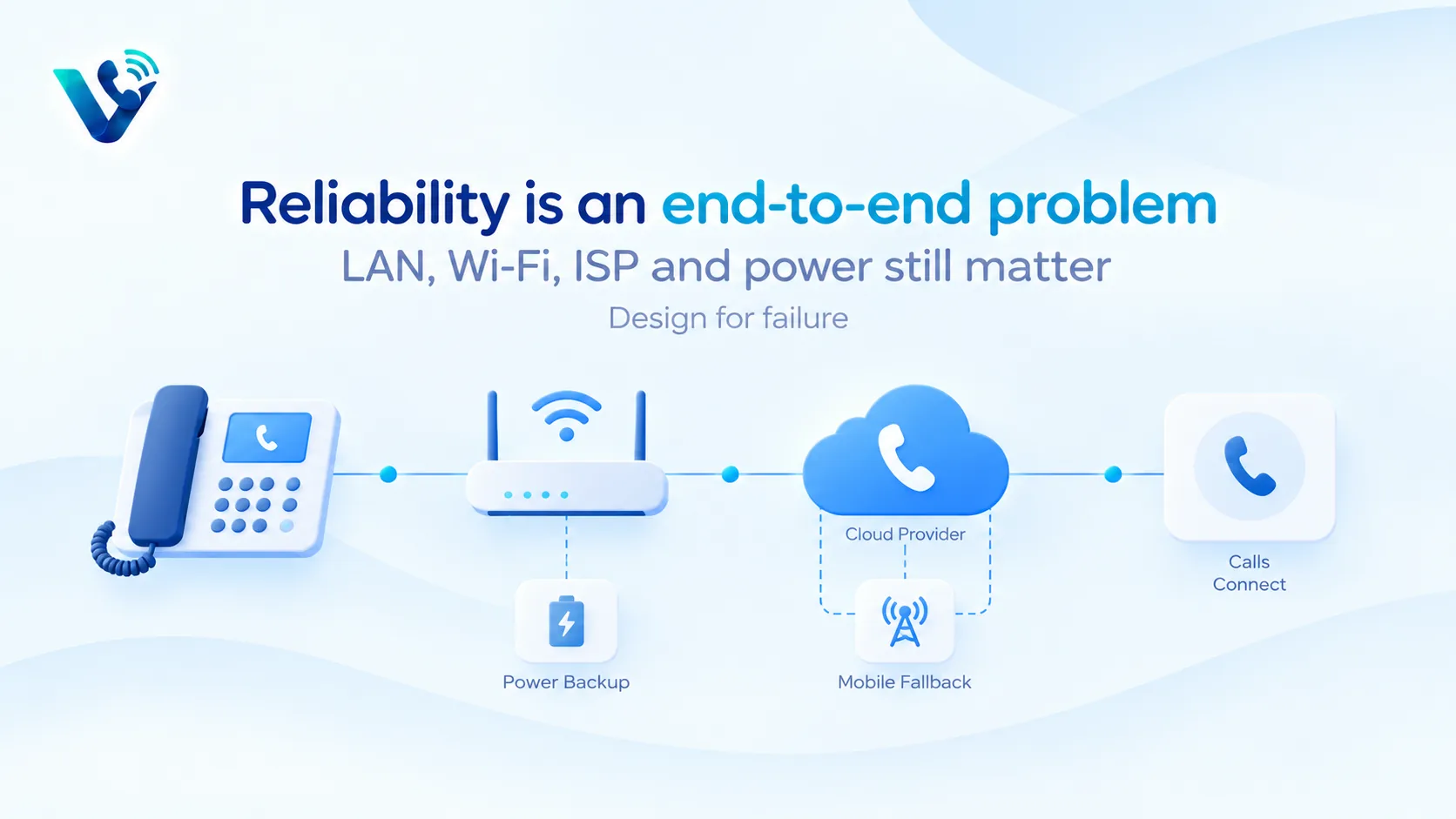
When on-premise still makes sense
On-premise can remain reasonable for specialised environments with large sunk investments, strict local survivability requirements, unusual analogue devices, highly customised integrations or connectivity constraints. Some organisations also prefer direct control of telephony infrastructure for operational or regulatory reasons.
Do not preserve a PBX merely because “we own it.” If only one engineer understands it, spares are scarce and remote work requires workarounds, ownership can become concentration risk.
When cloud is the practical default
Cloud is usually easier for distributed companies, fast-growing teams and organisations that want mobile/desktop apps, central administration and integrations without maintaining PBX software. It also makes adding users and locations more predictable.
A sensible migration can be phased. Inventory every number and device, classify analogue/fax/door systems, pilot one team, port low-risk numbers, test emergency calling and then migrate larger number blocks. Keep rollback routing during the cutover.
A practical proof-of-concept before you sign
Run a short proof-of-concept instead of choosing from feature grids. Pick three real call journeys: a new sales enquiry, an existing customer needing help, and an after-hours or no-answer case. Configure the same journeys in every shortlisted system and let the people who will actually answer calls use them. Measure answer time, transfer friction, missed-call recovery, mobile reliability, search, reporting and how much administrator work is needed to change a route. Also test a deliberately awkward case such as a transfer to an unavailable user or an integration outage. The best system is usually the one that stays understandable when something goes wrong, not the one with the longest feature page.
Put the hidden costs into one quote
Ask every vendor to price the identical scenario: the same user count, countries, telephone-number inventory, domestic and international usage, recording period, AI requirements, messaging volume and support level. Request separate line items for licences, numbers, minutes, toll-free usage, international calls, messaging registration, AI, storage, implementation, premium support, taxes and regulatory pass-through fees. If a plan is described as unlimited, read the fair-use conditions. If the discount depends on an annual or multi-year term, show the undiscounted renewal position as well. A comparable total-cost worksheet prevents a cheap entry tier from hiding the cost of the tier you actually need.
Migration and exit planning
Before committing, document how numbers are ported in, how long common ports take, what happens during a failed port and how numbers can be ported out later. Export requirements matter too: recordings, transcripts, call logs, messages, contacts and analytics should not become trapped simply because the subscription ends. For a migration, pilot one low-risk number or small team, validate inbound and outbound caller ID, emergency-calling obligations, business hours, voicemail, transfers and integrations, then move larger number blocks in controlled waves. Keeping the old service active until the new routing is proven is usually cheaper than recovering from an aggressive all-at-once cutover.
Try this on your own numbers
Local numbers in 118 countries, AI call notes and one shared inbox. Live the same day, no contract.
Security, privacy and policy checks
Confirm how the service encrypts signalling and media, how administrators control access, and how recordings, transcripts and messages are retained. If SSO or automated user provisioning matters, test the exact identity workflow rather than assuming an enterprise logo means it is included in your tier. Review recording-consent obligations and data-location requirements with the people responsible for privacy and compliance. Also ask how fraud, compromised credentials and unusual international calling are detected. Security features are most useful when administrators can understand and operate them without specialist intervention.
Support and day-two administration
The system still needs to be easy after the implementation team leaves. Have your own administrator add and remove a user, change a number, edit a holiday schedule, update routing, find a recording, export a call report and troubleshoot a poor-quality call. Then review support hours, severity definitions, escalation channels and any extra cost for faster response. For a business phone system, day-two administration and support are part of the product: a small monthly saving can disappear quickly if every routine change becomes a ticket or a consultant task.
Frequently asked questions
- Is cloud PBX the same as VoIP?
- A cloud PBX uses VoIP, but VoIP is the broader method of carrying voice over IP networks. VoIP can also be used with on-premise systems.
- Is an on-premise PBX more reliable?
- Not inherently. Reliability depends on redundancy, carriers, power, network design and operational support in either model.
- Does cloud phone require good internet?
- Yes. Endpoints need stable connectivity with adequate bandwidth, low latency, low jitter and low packet loss.
- Can we keep desk phones with cloud phone?
- Often yes if the phones are supported, but compatibility and provisioning vary by provider.
- What happens to fax and analogue devices?
- They need specific treatment such as ATA support, cloud fax or replacement workflows. Test them before migration.
- How do I compare cost fairly?
- Compare five-year total ownership: licences, hardware, carrier services, support, IT labour, upgrades, network changes and disaster recovery.