VoIP vs SIP: The Difference in Plain English
By Jamila Parker · · 5 min read

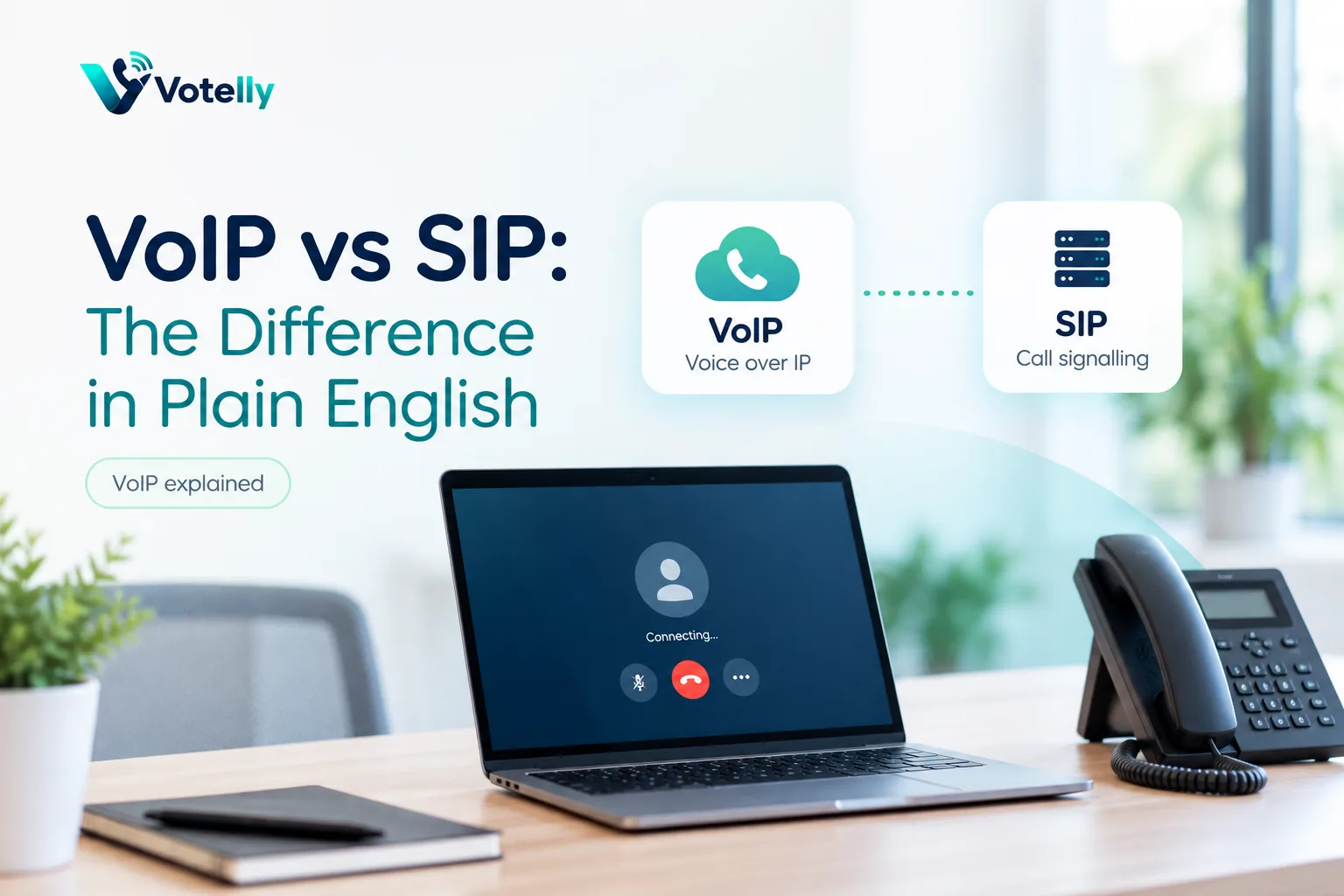
VoIP describes voice calls carried over IP networks; SIP is a protocol often used to set those sessions up. They are related terms, not competing products.
Key takeaways
- VoIP is the broad method of carrying voice over IP networks.
- SIP is a signalling protocol commonly used to start, modify and end voice or video sessions.
- A VoIP service can use SIP, but VoIP and SIP are not synonyms.
- Business buyers usually care more about interoperability, features and provider architecture than choosing “SIP or VoIP.”
The one-line answer
Voip vs sip. VoIP is what you are doing; SIP is one common way systems coordinate doing it. Voice over Internet Protocol means voice is encoded into digital packets and transported across IP networks. Session Initiation Protocol is a signalling standard used to establish, modify and terminate communication sessions.
A useful analogy is web browsing: “the web” is the activity/ecosystem, while HTTP is a protocol used to make it work. The analogy is imperfect, but it helps explain why asking “VoIP or SIP?” is usually the wrong buying question.
What SIP actually does
SIP messages help endpoints find each other, negotiate session details, ring, answer, transfer or end calls. The audio is typically carried separately using a media protocol such as RTP. That separation is why troubleshooting can feel strange: signalling may succeed and a call can show as connected while the media path has one-way or no audio because of firewall, NAT or routing problems.
SIP is used in IP PBXs, SIP trunks, session border controllers, desk phones and many carrier interconnections. It can also establish video and other real-time sessions.
VoIP vs SIP comparison
Question |
VoIP |
SIP |
|
What is it? |
A broad category/technology for voice over IP |
A signalling protocol |
|
Main job |
Transport voice communications using IP networks |
Set up, change and end sessions |
|
Does it carry audio? |
VoIP includes the overall audio service |
SIP mainly signals; media commonly uses RTP |
|
Where buyers see it |
Cloud phone, softphones, internet calling |
SIP trunks, PBXs, SBCs, endpoints |
|
Is it optional? |
If the service is VoIP, voice uses IP |
A VoIP implementation can use SIP or another approach |
Why the terms get mixed together
Many business VoIP systems use SIP extensively, so vendors and installers sometimes say “SIP phone” and “VoIP phone” almost interchangeably. SIP trunking is also a common way to connect a PBX to telephone carriers, which makes SIP visible in buying conversations.
But cloud communication apps can hide SIP completely from the customer. A user signs into an app and places a call without knowing whether the provider uses SIP internally, proprietary signalling at the edge, WebRTC or a mixture. That is fine: protocols are an implementation detail until interoperability or network design makes them relevant.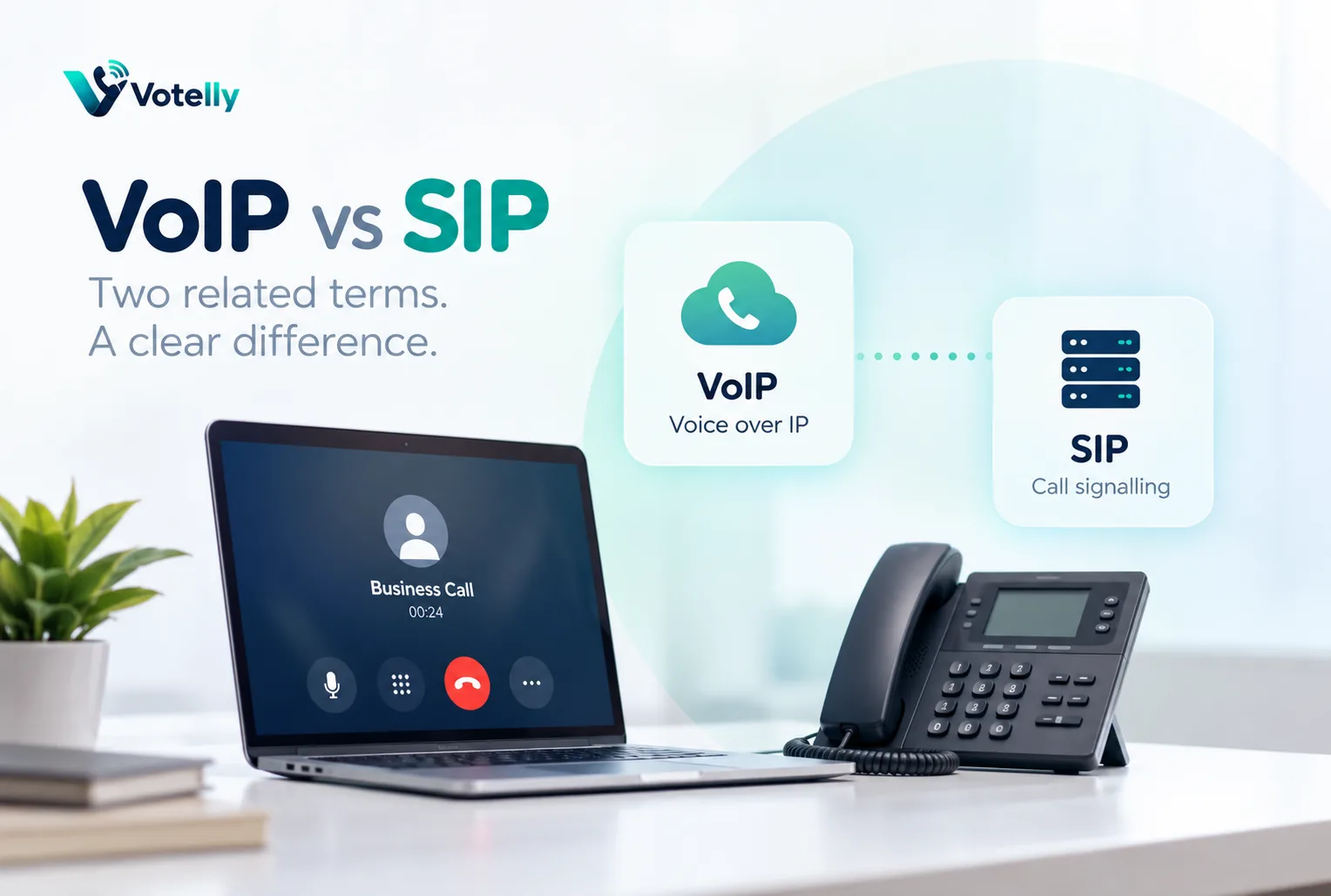
What a business buyer should ask instead
If you are buying a finished cloud phone system, ask about number coverage, call quality, routing, APIs, devices, security, integrations and support. If you are integrating a PBX or carrier, then SIP details become important: supported codecs, TLS/SRTP, authentication, IP allowlists, DTMF, caller-ID formatting, session timers, failover and SBC compatibility.
In other words, “Does it support SIP?” is useful only when you know what you need SIP to connect.
Example: cloud phone versus SIP trunk
A 20-person startup can buy a cloud phone platform and never configure a SIP trunk. The vendor handles the telephony stack and users work in apps. A manufacturer with an existing PBX might keep that PBX and buy a SIP trunk to replace older carrier circuits. Both use VoIP, but only the second customer directly manages SIP connectivity at the carrier edge.
What this means when choosing a business phone provider
Translate the technical concept into an operational requirement. Ask the provider to show the setting or workflow in a live tenant, explain which plan includes it, and identify any country, number, device or network limitations. The same technical term can hide very different implementations. A simple queue, for example, may be enough for a five-person team while a contact centre needs skills, priority, callbacks, supervisor controls and detailed reporting. Document the outcome you need before comparing terminology, then test it with a real call rather than accepting a diagram as proof.
Common implementation mistakes
Most failures happen around the edges: number porting is scheduled before routing is tested; remote users are not told how emergency location works; Wi-Fi is assumed to be fine because ordinary web browsing works; recording is enabled without a retention or consent policy; or an integration is purchased without checking what fields it actually writes back. Treat the phone system as an end-to-end service that includes carrier, network, devices, users, identity, data and support. A short pre-launch checklist and named owner for each area prevents far more problems than adding another advanced feature.
A simple validation checklist
Test inbound and outbound calls on desktop and mobile, hold and transfer, voicemail, caller ID, business hours, no-answer behaviour and at least one failure path. If the design uses queues or IVR, call every branch of the flow. If it uses an API or CRM, verify both successful write-back and what happens when the destination is unavailable. Review call-quality data during the pilot and ask users about audio, delay and ease of use. Finally, confirm support escalation and a rollback route before moving a high-value published number.
Try this on your own numbers
Local numbers in 118 countries, AI call notes and one shared inbox. Live the same day, no contract.
Security, privacy and policy checks
Confirm how the service encrypts signalling and media, how administrators control access, and how recordings, transcripts and messages are retained. If SSO or automated user provisioning matters, test the exact identity workflow rather than assuming an enterprise logo means it is included in your tier. Review recording-consent obligations and data-location requirements with the people responsible for privacy and compliance. Also ask how fraud, compromised credentials and unusual international calling are detected. Security features are most useful when administrators can understand and operate them without specialist intervention.
Support and day-two administration
The system still needs to be easy after the implementation team leaves. Have your own administrator add and remove a user, change a number, edit a holiday schedule, update routing, find a recording, export a call report and troubleshoot a poor-quality call. Then review support hours, severity definitions, escalation channels and any extra cost for faster response. For a business phone system, day-two administration and support are part of the product: a small monthly saving can disappear quickly if every routine change becomes a ticket or a consultant task.
Frequently asked questions
- Is SIP better than VoIP?
- They are not alternatives. SIP is one protocol used within many VoIP systems.
- Does SIP carry the voice audio?
- SIP mainly handles session signalling. Voice media is commonly transported by RTP or SRTP.
- What is a SIP trunk?
- A SIP trunk is an IP connection that links a phone system to a telecom provider for public telephone calls.
- Do softphones use SIP?
- Many do, but some cloud apps use proprietary protocols or WebRTC at the client while SIP is used elsewhere in the provider network.
- Why do SIP calls have one-way audio?
- A common cause is that signalling succeeds while the RTP media path is blocked or misrouted by NAT, firewall or network configuration.
- Do I need to understand SIP to buy business VoIP?
- Not deeply if you buy a managed cloud phone service. It matters more for PBX, carrier, SBC and integration projects.