Dialpad Alternatives for Teams That Want AI Notes
By Jamila Parker · · 6 min read

Dialpad makes AI recaps a core part of calling. These alternatives are worth testing if you want automatic notes but need different pricing, coverage, routing or sales workflows.
Key takeaways
- Dialpad says AI Recaps are available across its licensed plans and can produce summaries, purpose, outcome and action items.
- Aircall Professional, Quo Business and Zoom Phone also offer post-call AI capabilities, but packaging differs.
- The quality of the workflow after the summary matters as much as the summary itself.
- Test languages, recording consent, retention, CRM write-back and summary accuracy with real calls.
Why Dialpad is the benchmark for AI notes
Dialpad alternatives. Dialpad has made voice intelligence part of the phone experience rather than a separate meeting recorder. Its AI Recaps create post-call summaries and can surface purpose, outcome and action items. Dialpad states that Recaps are available to licensed users across its platform, while Connect pricing starts at $15 per user per month on annual billing and Pro at $25.
That combination is attractive for teams that hate manual call notes. Yet the right alternative depends on what happens next. Sales teams may care more about writing the summary into a CRM, support teams may care about searchable transcripts and quality review, and managers may care about coaching, sentiment or topic trends. An AI notes checkbox does not tell you whether the output fits your workflow.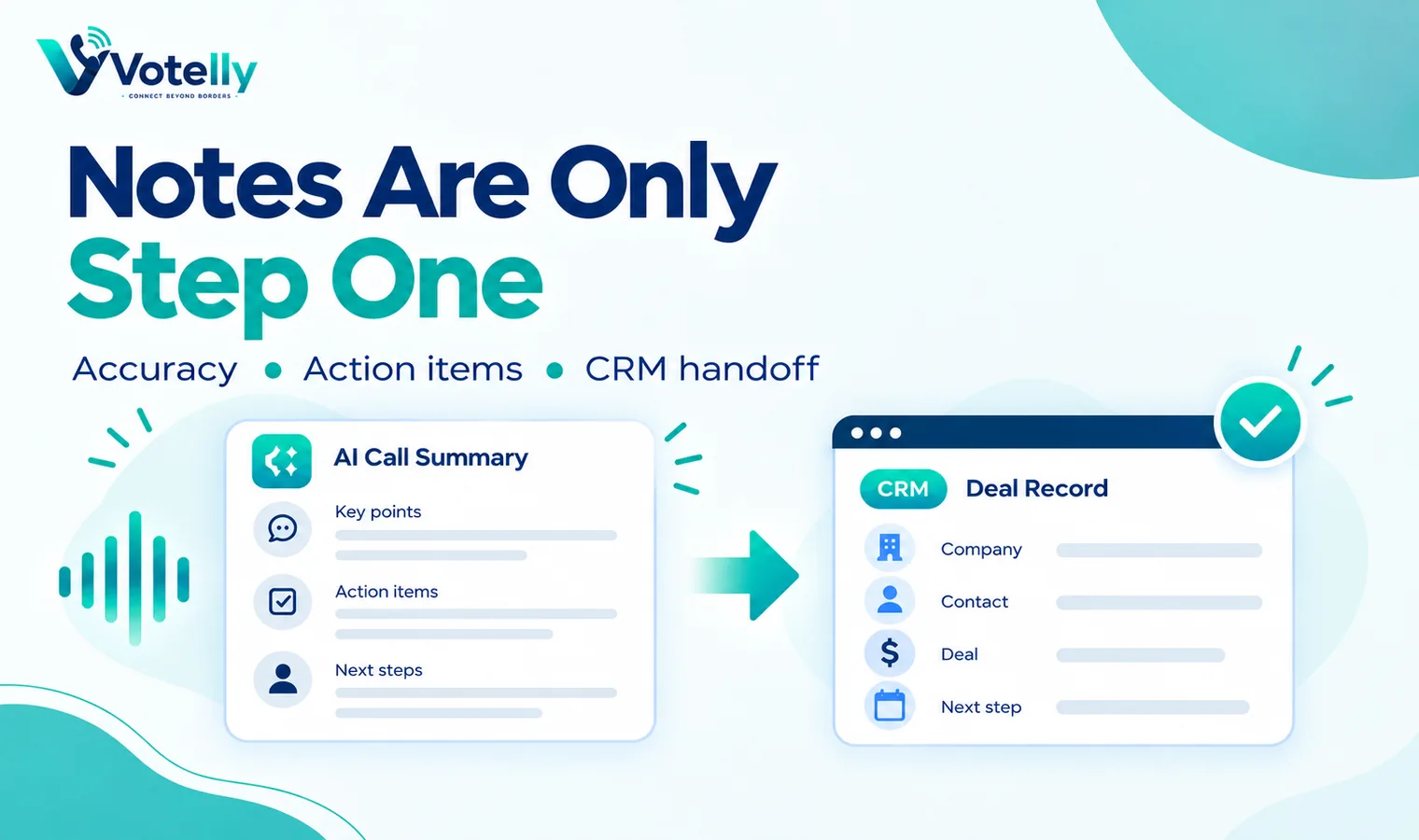
AI-note alternatives worth testing
Platform |
AI notes angle |
Pricing signal |
Watch for |
|
Dialpad |
AI Recaps, live transcription, action items |
$15/user/mo annual Standard |
Country/number and advanced feature requirements |
|
Aircall |
AI Assist summaries, transcript search, sentiment, topics |
Professional $50/user/mo annual |
AI packaging differs by plan |
|
Quo |
AI summaries and transcripts on Business |
$23/user/mo annual Business |
Primarily US/Canada calling model |
|
Zoom Phone |
Post-call summaries, task extraction and AI-first Workplace integration |
Phone plans from $10 metered |
Bundle and regional plan differences |
|
Votelly |
Evaluate AI call summaries alongside shared phone workflows |
Check current quote |
Confirm language, retention and integrations in demo |
Five things to test in an AI call summary
First, accuracy: can the model distinguish names, products, prices and next steps in your real accents and noisy environments? Second, structure: can a rep scan the summary in ten seconds, or does it read like a long transcript? Third, actionability: are tasks and commitments separated from general conversation? Fourth, destination: can the result reach the CRM, shared inbox or deal record without copying and pasting? Fifth, control: can administrators define retention, access and recording behaviour.
Run the same five sample calls through each vendor. Include a short transactional call, a long discovery call, an upset customer, a call with several numbers and dates, and a multilingual or accented call if that is normal for your team. Score the output blind before deciding which vendor feels smartest.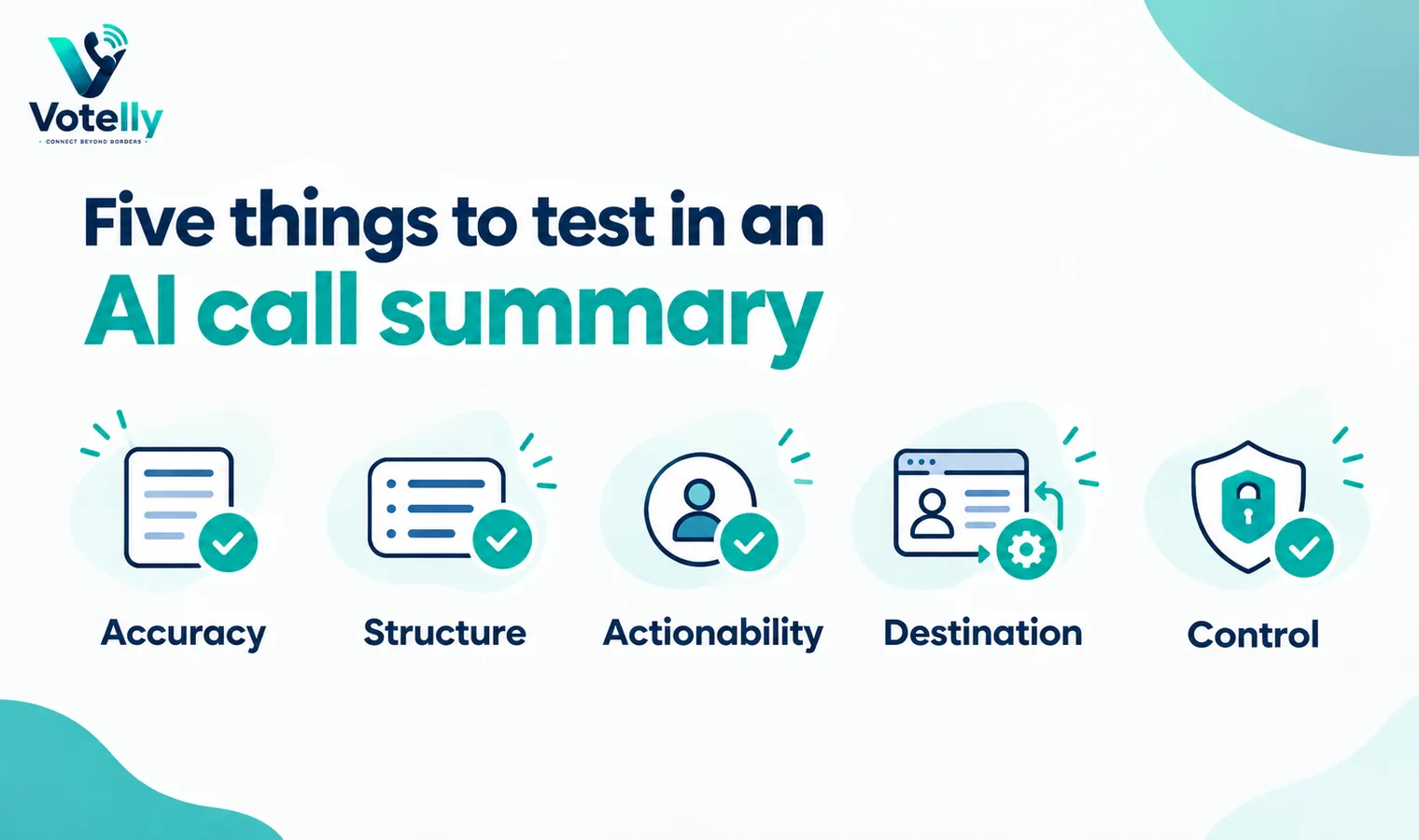
Aircall, Quo and Zoom take different approaches
Aircall’s 2026 change is notable because its standard AI Assist capabilities are now included in Professional, giving users call summaries, transcript search, sentiment, key topics and action items in that tier. Quo places AI call summaries and transcripts in its Business plan alongside group calling, custom ring orders and CRM integrations. Zoom Phone exposes post-call summaries and task extraction in its broader Zoom Workplace experience, which can be appealing if meetings and phone calls already live in Zoom.
The trade-off is that each platform optimises a different operating model. Aircall leans toward integrated sales and support operations, Quo toward collaborative small-business phone numbers, and Zoom toward unified workplace communications. Dialpad’s differentiator remains how deeply AI is presented throughout its own calling experience.
When to switch from Dialpad
A switch makes sense when another platform solves a constraint that AI notes cannot compensate for: missing numbers in a key market, a routing requirement Dialpad does not fit, a preferred CRM integration, a simpler shared-number workflow, or a materially lower all-in price. It can also make sense when your team is paying for a broad suite but mainly needs reliable calling and concise summaries.
Do not switch purely because another vendor advertises generative AI. Export a few weeks of real workflows, recreate them in the alternative, and ask users to compare the number of manual steps from answered call to completed follow-up. That is the productivity metric AI is supposed to improve.
A practical proof-of-concept before you sign
Run a short proof-of-concept instead of choosing from feature grids. Pick three real call journeys: a new sales enquiry, an existing customer needing help, and an after-hours or no-answer case. Configure the same journeys in every shortlisted system and let the people who will actually answer calls use them. Measure answer time, transfer friction, missed-call recovery, mobile reliability, search, reporting and how much administrator work is needed to change a route. Also test a deliberately awkward case such as a transfer to an unavailable user or an integration outage. The best system is usually the one that stays understandable when something goes wrong, not the one with the longest feature page.
Put the hidden costs into one quote
Ask every vendor to price the identical scenario: the same user count, countries, telephone-number inventory, domestic and international usage, recording period, AI requirements, messaging volume and support level. Request separate line items for licences, numbers, minutes, toll-free usage, international calls, messaging registration, AI, storage, implementation, premium support, taxes and regulatory pass-through fees. If a plan is described as unlimited, read the fair-use conditions. If the discount depends on an annual or multi-year term, show the undiscounted renewal position as well. A comparable total-cost worksheet prevents a cheap entry tier from hiding the cost of the tier you actually need.
Migration and exit planning
Before committing, document how numbers are ported in, how long common ports take, what happens during a failed port and how numbers can be ported out later. Export requirements matter too: recordings, transcripts, call logs, messages, contacts and analytics should not become trapped simply because the subscription ends. For a migration, pilot one low-risk number or small team, validate inbound and outbound caller ID, emergency-calling obligations, business hours, voicemail, transfers and integrations, then move larger number blocks in controlled waves. Keeping the old service active until the new routing is proven is usually cheaper than recovering from an aggressive all-at-once cutover.
Try this on your own numbers
Local numbers in 118 countries, AI call notes and one shared inbox. Live the same day, no contract.
Security, privacy and policy checks
Confirm how the service encrypts signalling and media, how administrators control access, and how recordings, transcripts and messages are retained. If SSO or automated user provisioning matters, test the exact identity workflow rather than assuming an enterprise logo means it is included in your tier. Review recording-consent obligations and data-location requirements with the people responsible for privacy and compliance. Also ask how fraud, compromised credentials and unusual international calling are detected. Security features are most useful when administrators can understand and operate them without specialist intervention.
Support and day-two administration
The system still needs to be easy after the implementation team leaves. Have your own administrator add and remove a user, change a number, edit a holiday schedule, update routing, find a recording, export a call report and troubleshoot a poor-quality call. Then review support hours, severity definitions, escalation channels and any extra cost for faster response. For a business phone system, day-two administration and support are part of the product: a small monthly saving can disappear quickly if every routine change becomes a ticket or a consultant task.
Frequently asked questions
- Does Dialpad automatically take call notes?
- Yes. Dialpad AI Recaps can automatically summarise AI-enabled calls and meetings and surface information such as purpose, outcome and action items.
- Are Dialpad AI Recaps on every plan?
- Dialpad’s help documentation says AI Recaps are available to Dialpad users on every licensed plan, although related AI or product capabilities can differ by package.
- Which Dialpad alternative has AI summaries?
- Aircall Professional, Quo Business and Zoom Phone are notable alternatives with post-call AI summary capabilities.
- What should I test for AI accuracy?
- Use your own accents, product names, dates, prices and noisy call conditions, then compare factual errors and missed actions.
- Do AI call notes create compliance issues?
- They can. Recording consent, transcript retention, data location, access permissions and sensitive-data policies should be reviewed for every jurisdiction you operate in.
- Is live transcription the same as an AI summary?
- No. Transcription converts speech to text; a summary compresses and interprets the conversation. Good systems may provide both.