What Is a Softphone, and Is It Better Than a Desk Phone?
By Jamila Parker · · 6 min read

A softphone turns a laptop or smartphone into a business phone through software. It is flexible and easy to deploy, but a desk phone can still win for fixed, high-call roles.
Key takeaways
- A softphone is software that provides phone controls on a computer, tablet or smartphone.
- Softphones are usually faster to deploy for remote and hybrid users and avoid dedicated handset hardware.
- Desk phones still suit reception, shared areas and people who make calls all day from one fixed location.
- Audio quality depends more on the network, microphone/headset and acoustic environment than on “app vs handset” alone.
Softphone meaning in plain English
What is a softphone. A softphone is an application that lets a computer, tablet or smartphone act as a telephone endpoint. Instead of lifting a dedicated handset, a user opens a business calling app, chooses a contact or number and speaks through the device microphone or a headset. The application can expose familiar controls such as hold, transfer, mute, keypad, voicemail and call history.
The underlying service is usually VoIP. Depending on the platform, the client may use SIP, WebRTC or proprietary signalling while the provider connects calls to the public telephone network. For the employee, the technical detail is mostly invisible: their work number follows their login rather than one physical socket.
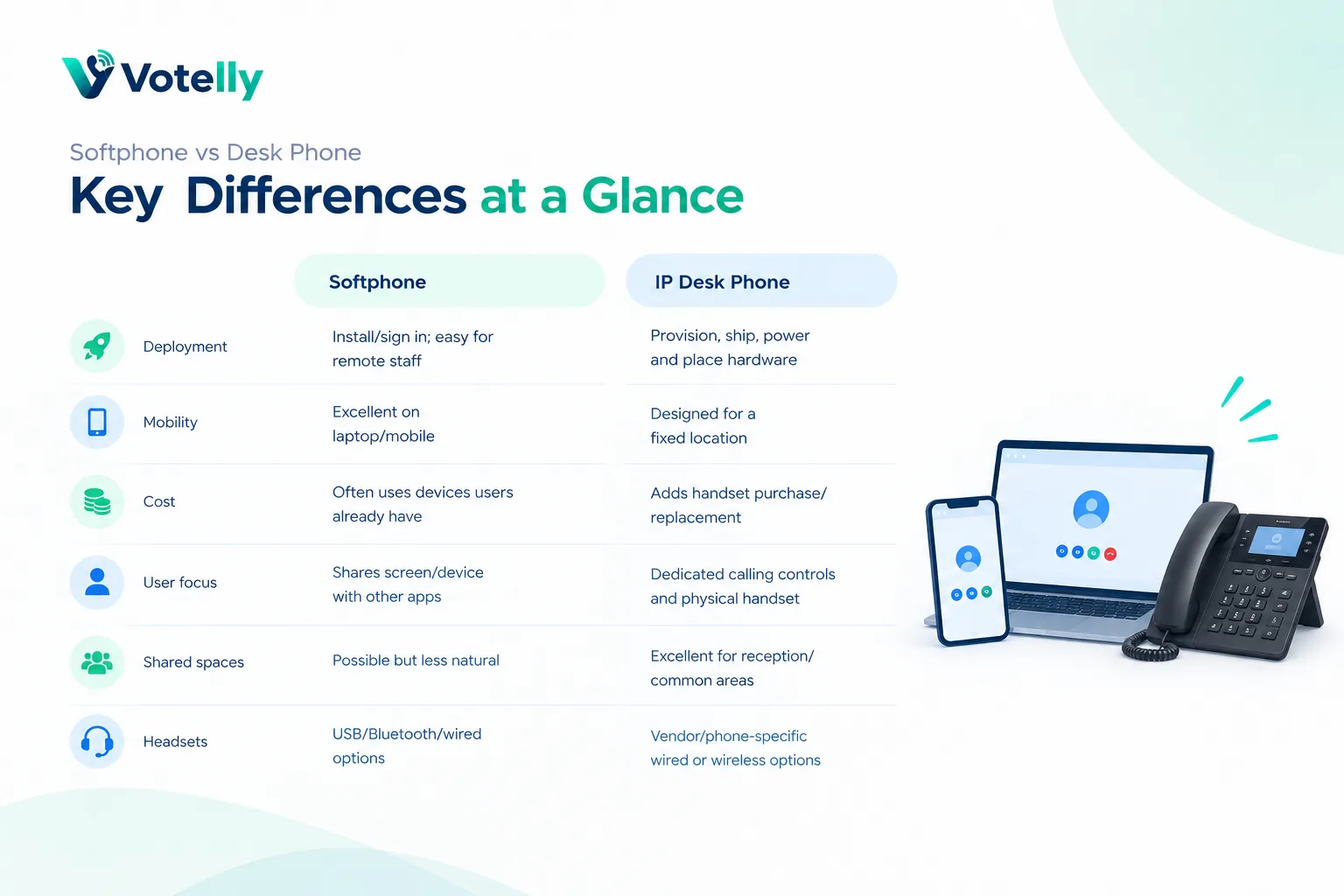
Softphone vs desk phone
Area |
Softphone |
IP desk phone |
|
Deployment |
Install/sign in; easy for remote staff |
Provision, ship, power and place hardware |
|
Mobility |
Excellent on laptop/mobile |
Designed mainly for a fixed location |
|
Cost |
Often uses devices users already have |
Adds handset purchase/replacement |
|
User focus |
Shares screen/device with other apps |
Dedicated calling controls and physical handset |
|
Shared spaces |
Possible but less natural |
Excellent for reception/common areas |
|
Headsets |
USB/Bluetooth/wired options |
Vendor/phone-specific wired or wireless options |
Why softphones became the default for many teams
Remote work made location-independent calling a basic requirement. A new employee can receive a laptop, sign in and have the same business number whether they are at home, in a branch or travelling. Administrators can update users and policies centrally without shipping a new handset for every change.
Softphones also integrate naturally with CRM records, contact search, AI call notes and team messaging because the call is already happening in software. Click-to-call can remove manual dialling, and a shared conversation view can make follow-up easier.
Where desk phones are still better
A physical phone is useful when calling is constant and the desk is fixed. Receptionists benefit from tactile line keys, a handset and an always-ready device. Shared front desks, warehouses, meeting rooms and common areas may also need a dedicated endpoint that is not tied to one person’s laptop session. Some staff simply work faster with physical keys and a handset.
Desk phones can also avoid competing with a heavily loaded laptop for CPU, audio devices and screen attention. That does not make them inherently more reliable: they still depend on power, switching, network and the phone service.
Headsets and network quality matter more than most buyers expect
A cheap laptop microphone in a noisy room will make an expensive phone platform sound bad. For frequent callers, test a certified USB or wired headset with good microphone isolation. Bluetooth is convenient but adds another wireless link and can introduce battery or pairing problems.
On the network side, monitor packet loss, jitter and latency rather than only internet speed. Prioritise voice traffic on busy office networks where appropriate, and test Wi-Fi roaming if users walk while calling.
The practical answer: use both where each fits
Modern deployments do not need an ideological choice. Give mobile and knowledge workers softphones, provide desk phones for reception and shared/common spaces, and let high-volume agents choose tested headsets. Standardise on a small list of supported devices so the help desk can troubleshoot quickly.
During a pilot, compare call pickup time, transfer speed, audio comfort after an hour of calls, mobile reliability and how easily users find call history. The better endpoint is the one that reduces friction for that role.
What this means when choosing a business phone provider
Translate the technical concept into an operational requirement. Ask the provider to show the setting or workflow in a live tenant, explain which plan includes it, and identify any country, number, device or network limitations. The same technical term can hide very different implementations. A simple queue, for example, may be enough for a five-person team while a contact centre needs skills, priority, callbacks, supervisor controls and detailed reporting. Document the outcome you need before comparing terminology, then test it with a real call rather than accepting a diagram as proof.
Common implementation mistakes
Most failures happen around the edges: number porting is scheduled before routing is tested; remote users are not told how emergency location works; Wi-Fi is assumed to be fine because ordinary web browsing works; recording is enabled without a retention or consent policy; or an integration is purchased without checking what fields it actually writes back. Treat the phone system as an end-to-end service that includes carrier, network, devices, users, identity, data and support. A short pre-launch checklist and named owner for each area prevents far more problems than adding another advanced feature.
A simple validation checklist
Test inbound and outbound calls on desktop and mobile, hold and transfer, voicemail, caller ID, business hours, no-answer behaviour and at least one failure path. If the design uses queues or IVR, call every branch of the flow. If it uses an API or CRM, verify both successful write-back and what happens when the destination is unavailable. Review call-quality data during the pilot and ask users about audio, delay and ease of use. Finally, confirm support escalation and a rollback route before moving a high-value published number.
Try this on your own numbers
Local numbers in 118 countries, AI call notes and one shared inbox. Live the same day, no contract.
Security, privacy and policy checks
Confirm how the service encrypts signalling and media, how administrators control access, and how recordings, transcripts and messages are retained. If SSO or automated user provisioning matters, test the exact identity workflow rather than assuming an enterprise logo means it is included in your tier. Review recording-consent obligations and data-location requirements with the people responsible for privacy and compliance. Also ask how fraud, compromised credentials and unusual international calling are detected. Security features are most useful when administrators can understand and operate them without specialist intervention.
Support and day-two administration
The system still needs to be easy after the implementation team leaves. Have your own administrator add and remove a user, change a number, edit a holiday schedule, update routing, find a recording, export a call report and troubleshoot a poor-quality call. Then review support hours, severity definitions, escalation channels and any extra cost for faster response. For a business phone system, day-two administration and support are part of the product: a small monthly saving can disappear quickly if every routine change becomes a ticket or a consultant task.
Frequently asked questions
- Is a softphone a real phone number?
- The softphone is the app, while the business phone service provides the telephone number. The same number can often ring several devices.
- Do softphones need SIP?
- Some use SIP, while others use WebRTC or proprietary client protocols. The user normally does not need to configure SIP manually.
- Can I use a softphone on my mobile?
- Yes. Most cloud business phone systems provide iOS and Android apps as well as desktop clients.
- Is a softphone cheaper than a desk phone?
- Usually it avoids handset hardware, but licensing and headset costs still apply.
- Are desk phones more reliable?
- Not automatically. Both rely on the network and phone service; desk phones also depend on local power or PoE infrastructure.
- What headset is best for VoIP calls?
- Choose a business headset with a good microphone and stable connection, then test comfort and audio in your real workspace.