8x8 vs Zoom Phone for Mid-Market Teams
By Jamila Parker · · 6 min read

8x8 and Zoom Phone both target growing organisations, but their strengths differ in suite design, global telephony and buying model. Here is a practical mid-market comparison.
Key takeaways
- 8x8 publishes business phone plans starting from $15 per user per month, while larger solutions are commonly quote-led.
- Zoom says metered plans start at $10, North American unlimited at $15 and Global Select at $20 per user monthly.
- Zoom publishes native local telephony across 49 countries plus additional partner coverage.
- The better choice depends on whether you value an integrated communications/contact-centre stack or Zoom Workplace standardisation.
The short answer
8x8 vs zoom phone. For a mid-market company already standardised on Zoom Meetings and Chat, Zoom Phone is usually the cleaner shortlist because calling sits inside the same user and administration environment. For a company evaluating business communications together with deeper contact-centre capabilities, 8x8 deserves a serious demo because its portfolio spans business phone, messaging, video and customer engagement.
Neither answer should be made from a feature matrix alone. Mid-market phone projects are mostly about deployment: number inventory, regional carrier requirements, emergency calling, branch devices, identity, contact-centre handoffs, reporting and support. The product that is simpler in your environment often costs less to operate even if the licence line is similar.
8x8 vs Zoom Phone at a glance
Area |
8x8 |
Zoom Phone |
|
Entry price signal |
Business phone page says plans start at $15/user/mo |
Metered from $10; North America unlimited from $15 |
|
Global model |
Global communications portfolio; confirm current country inventory |
Local telephony in 49 countries plus Provider Exchange coverage |
|
Suite fit |
UC and contact-centre portfolio |
Tight Zoom Workplace integration |
|
AI direction |
Varies by 8x8 product/package |
Post-call summaries, task extraction and broader Zoom AI |
|
PSTN flexibility |
Confirm carrier/BYOC options in quote |
Native service, BYOC and partner options |
Pricing: mid-market quotes need a common scenario
8x8’s small-business phone material advertises plans starting from $15 per user per month, while its larger deployments are often sold through sales-led packaging. Zoom publishes clearer starting points: metered calling from $10 per user monthly, North American unlimited from $15 and Global Select from $20. Those numbers are only the opening comparison.
A 250-user buyer should request a three-year and one-year scenario with identical assumptions: user count by country, common-area phones, call queues, toll-free numbers, call recording retention, contact-centre seats, domestic and international usage, premium support, implementation and taxes. Ask how price changes when a user is provisioned but rarely calls. The shape of the licence model can matter more than a few dollars of list price.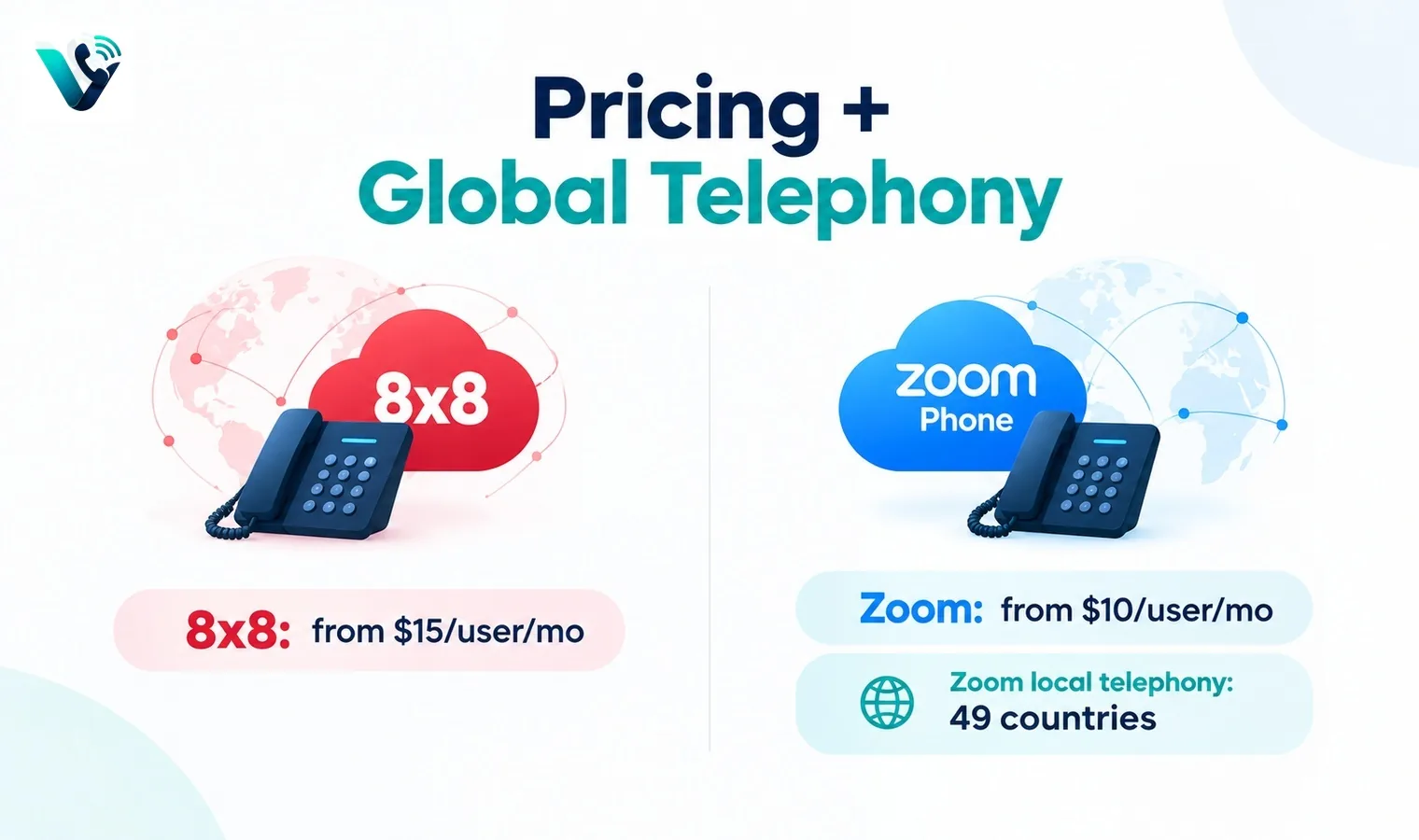
Global telephony and migration
Zoom publishes local telephony service across 49 countries and additional reach through Provider Exchange partners. That is useful for organisations trying to consolidate carriers, although regulatory documents and number types still vary by market. 8x8 has long positioned itself for international business communications, but you should get a written country-by-country inventory for the exact services required.
During migration, separate cloud application readiness from PSTN readiness. Users can often receive the new app before telephone numbers move. Pilot a branch or small number range, validate emergency addresses, caller ID, inbound routing and fax or analogue devices, then port in waves. A mid-market cutover becomes safer when the carrier work is treated as its own project.
User experience and administration
Zoom Phone is compelling where employees already understand Zoom. The same general desktop and mobile ecosystem can reduce training, and IT can manage phone settings beside other Zoom services. 8x8 may appeal when the organisation wants one communications supplier that also offers contact-centre pathways and a broader communications portfolio.
Ask admins to perform real tasks during the demo: create a user, move a number, change a holiday schedule, build a queue, export call detail, apply a policy to 50 people and troubleshoot a poor call. The speed and clarity of those jobs predicts the operational cost better than a polished executive demonstration.
Decision rule
Choose Zoom Phone when Zoom Workplace is strategic, multinational telephony coverage fits your countries, and you want a familiar collaboration-led experience. Choose 8x8 when its combined UC/contact-centre portfolio and commercial package better match the organisation. Keep a third option in the proof-of-concept if neither handles a critical workflow cleanly; switching phone platforms is disruptive enough that a three-vendor test is usually worth the effort.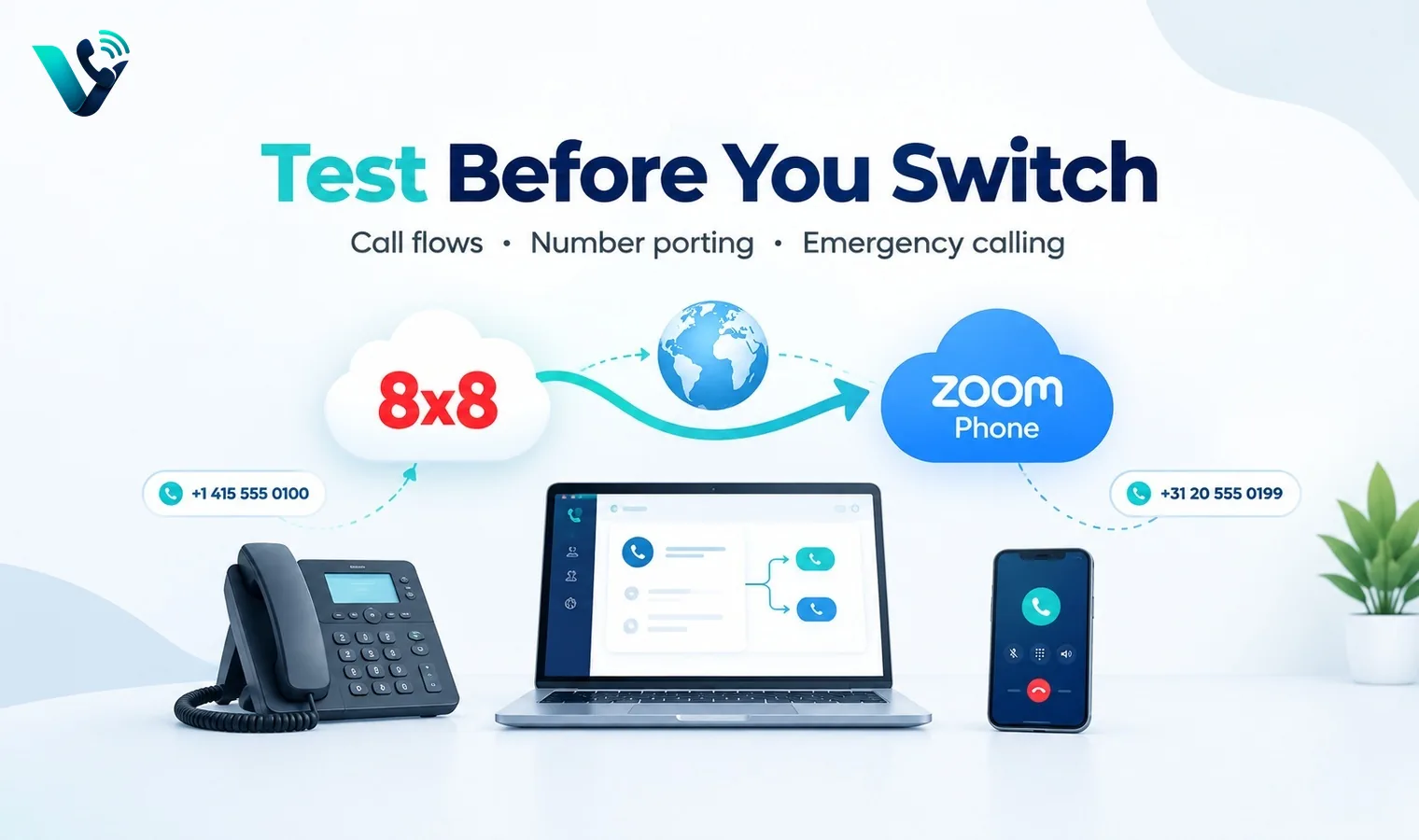
A practical proof-of-concept before you sign
Run a short proof-of-concept instead of choosing from feature grids. Pick three real call journeys: a new sales enquiry, an existing customer needing help, and an after-hours or no-answer case. Configure the same journeys in every shortlisted system and let the people who will actually answer calls use them. Measure answer time, transfer friction, missed-call recovery, mobile reliability, search, reporting and how much administrator work is needed to change a route. Also test a deliberately awkward case such as a transfer to an unavailable user or an integration outage. The best system is usually the one that stays understandable when something goes wrong, not the one with the longest feature page.
Put the hidden costs into one quote
Ask every vendor to price the identical scenario: the same user count, countries, telephone-number inventory, domestic and international usage, recording period, AI requirements, messaging volume and support level. Request separate line items for licences, numbers, minutes, toll-free usage, international calls, messaging registration, AI, storage, implementation, premium support, taxes and regulatory pass-through fees. If a plan is described as unlimited, read the fair-use conditions. If the discount depends on an annual or multi-year term, show the undiscounted renewal position as well. A comparable total-cost worksheet prevents a cheap entry tier from hiding the cost of the tier you actually need.
Migration and exit planning
Before committing, document how numbers are ported in, how long common ports take, what happens during a failed port and how numbers can be ported out later. Export requirements matter too: recordings, transcripts, call logs, messages, contacts and analytics should not become trapped simply because the subscription ends. For a migration, pilot one low-risk number or small team, validate inbound and outbound caller ID, emergency-calling obligations, business hours, voicemail, transfers and integrations, then move larger number blocks in controlled waves. Keeping the old service active until the new routing is proven is usually cheaper than recovering from an aggressive all-at-once cutover.
Try this on your own numbers
Local numbers in 118 countries, AI call notes and one shared inbox. Live the same day, no contract.
Security, privacy and policy checks
Confirm how the service encrypts signalling and media, how administrators control access, and how recordings, transcripts and messages are retained. If SSO or automated user provisioning matters, test the exact identity workflow rather than assuming an enterprise logo means it is included in your tier. Review recording-consent obligations and data-location requirements with the people responsible for privacy and compliance. Also ask how fraud, compromised credentials and unusual international calling are detected. Security features are most useful when administrators can understand and operate them without specialist intervention.
Support and day-two administration
The system still needs to be easy after the implementation team leaves. Have your own administrator add and remove a user, change a number, edit a holiday schedule, update routing, find a recording, export a call report and troubleshoot a poor-quality call. Then review support hours, severity definitions, escalation channels and any extra cost for faster response. For a business phone system, day-two administration and support are part of the product: a small monthly saving can disappear quickly if every routine change becomes a ticket or a consultant task.
Frequently asked questions
- Is 8x8 cheaper than Zoom Phone?
- Not necessarily. 8x8 publishes a starting phone price around $15 per user monthly, while Zoom says metered plans start at $10 and North American unlimited at $15. Enterprise quotes and usage can change the result.
- How many countries does Zoom Phone cover?
- Zoom currently says it provides local telephony service across 49 countries, with additional coverage available through Provider Exchange partners.
- Does Zoom Phone include AI?
- Zoom Phone promotes AI features such as post-call summaries, voicemail prioritisation and task extraction within its current product experience.
- Is 8x8 suitable for contact centres?
- 8x8 offers contact-centre products as well as business communications, which can be an advantage when both are part of the roadmap.
- What should a mid-market pilot include?
- Pilot user provisioning, branch and queue routing, mobile and desktop calls, number porting, emergency calling, integrations, analytics and support escalation.
- Can we keep our carrier?
- Depending on geography and architecture, cloud phone vendors may offer BYOC or partner options. Confirm the exact carrier model for every country.