Can You Port an Existing Number to a Cloud Phone System?
By Jamila Parker · · 7 min read

Learn how business number porting works when moving to a cloud phone system, what documents you need, common delays and how to plan the cutover.
Key takeaways
- Many business numbers can be ported, but eligibility depends on country, number type and provider.
- Do not cancel the old service before the port is complete.
- Ownership verification and a Letter of Authorization may be required.
- Build a temporary forwarding and cutover plan.
- Test inbound, outbound caller ID, SMS and CRM workflows after porting.
You can often port an existing number to a cloud phone system, but the migration should be treated as a controlled project. Eligibility depends on the country, number type, carrier and new provider. The safest plan validates the number first, gathers matching ownership documents, keeps the old service active, prepares the new routing and CRM setup, and tests every required feature after cutover.
What number porting actually does
Number porting moves a telephone number from one provider or network to another while allowing the customer to keep the number. The number itself becomes associated with the new service after the port completes. For a business, the main advantage is continuity: customers can keep calling the number printed on websites, invoices and marketing materials while the underlying phone system changes.
Porting preserves the public phone identity while changing the underlying provider or service. For a business, that protects continuity across websites, invoices, ads, saved customer contacts and directories. A cloud phone migration should therefore be planned around keeping the number reachable before, during and immediately after the transfer.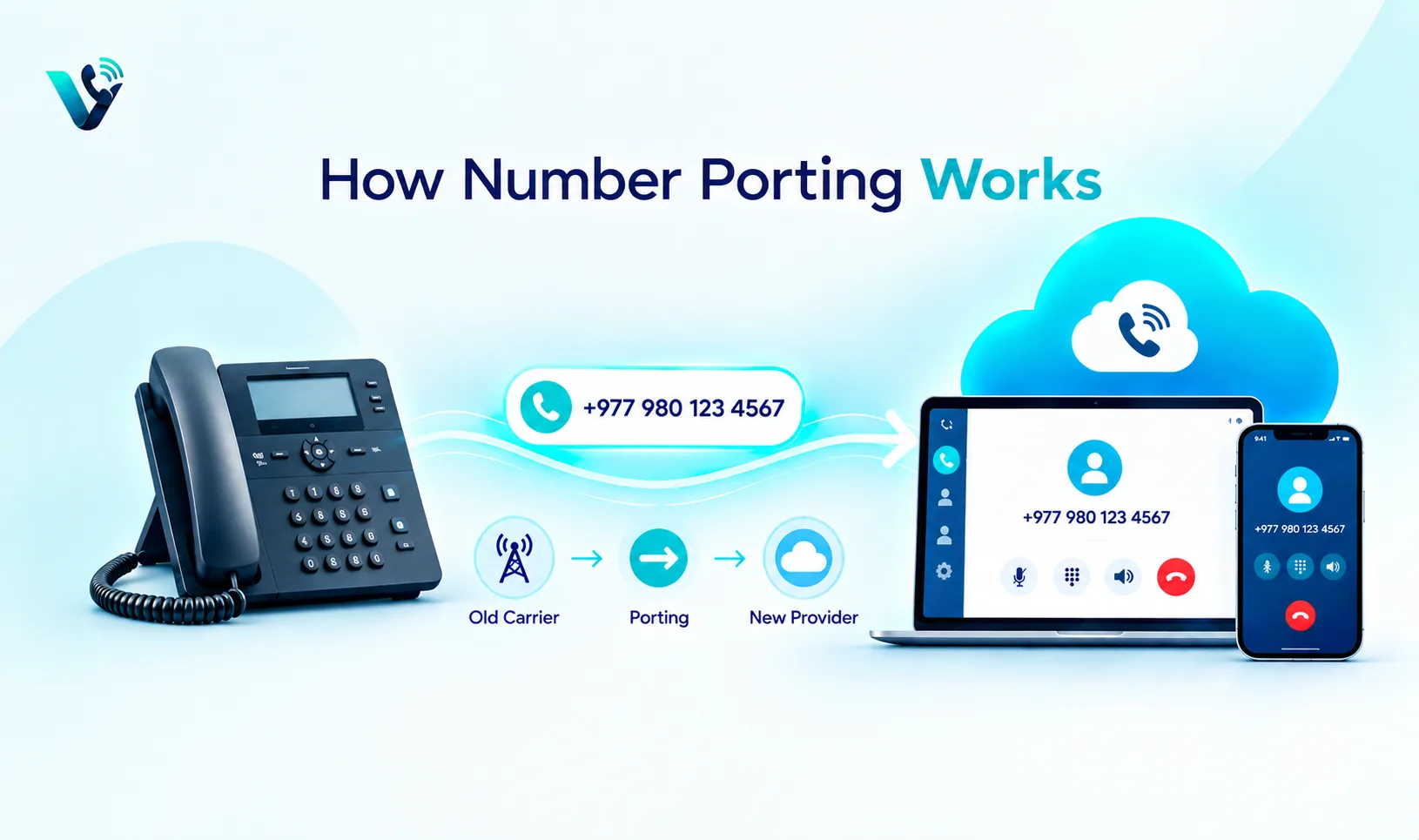
Can every number be ported?
No portability depends on the country, number type, current carrier, new provider and service class. Saudi CST publishes number-portability rules and recognises VoIP numbers within its numbering framework. Singapore IMDA has fixed-number portability guidelines, while Hong Kong OFCA distinguishes IP telephony classes and notes that Class 1 supports number portability whereas Class 2 does not have the same obligation. These differences show why a provider should validate the exact number before promising a port.
No the source gives examples showing that portability can depend on jurisdiction, number type and service class. Before promising a migration date, ask the new provider to validate the exact number. A geographic line, mobile number, toll-free number and VoIP number can follow different rules even when they look similar to the customer.
Start with an eligibility check
Give the new provider the number, current carrier information, service address and account details it requests. The provider can then determine whether the number is in a supported range and whether any documentation is missing. Do not guess based on the number's appearance. A geographic number, mobile number, toll-free number and VoIP number can each have different porting rules.
Send the new provider the existing number, carrier information, account details and service address requested for validation. Do this before signing off on the migration. An early eligibility check reveals unsupported ranges, missing records or documentation problems while there is still time to choose an alternative plan.
Ownership and authorisation documents
Providers commonly need evidence that the person requesting the port controls the number. Twilio's hosted-number documentation, for example, describes ownership verification and a Letter of Authorization process. The exact documents vary by provider and country, but businesses should prepare the legal entity name, account number, service address, authorised representative and a recent bill or equivalent proof when requested.
Make the legal entity and carrier records match exactly. Prepare the account number, service address, authorised representative and recent bill or equivalent evidence if requested. If a Letter of Authorization is required, confirm who must sign it and the accepted format. Small mismatches can create long delays in an otherwise straightforward business number porting project.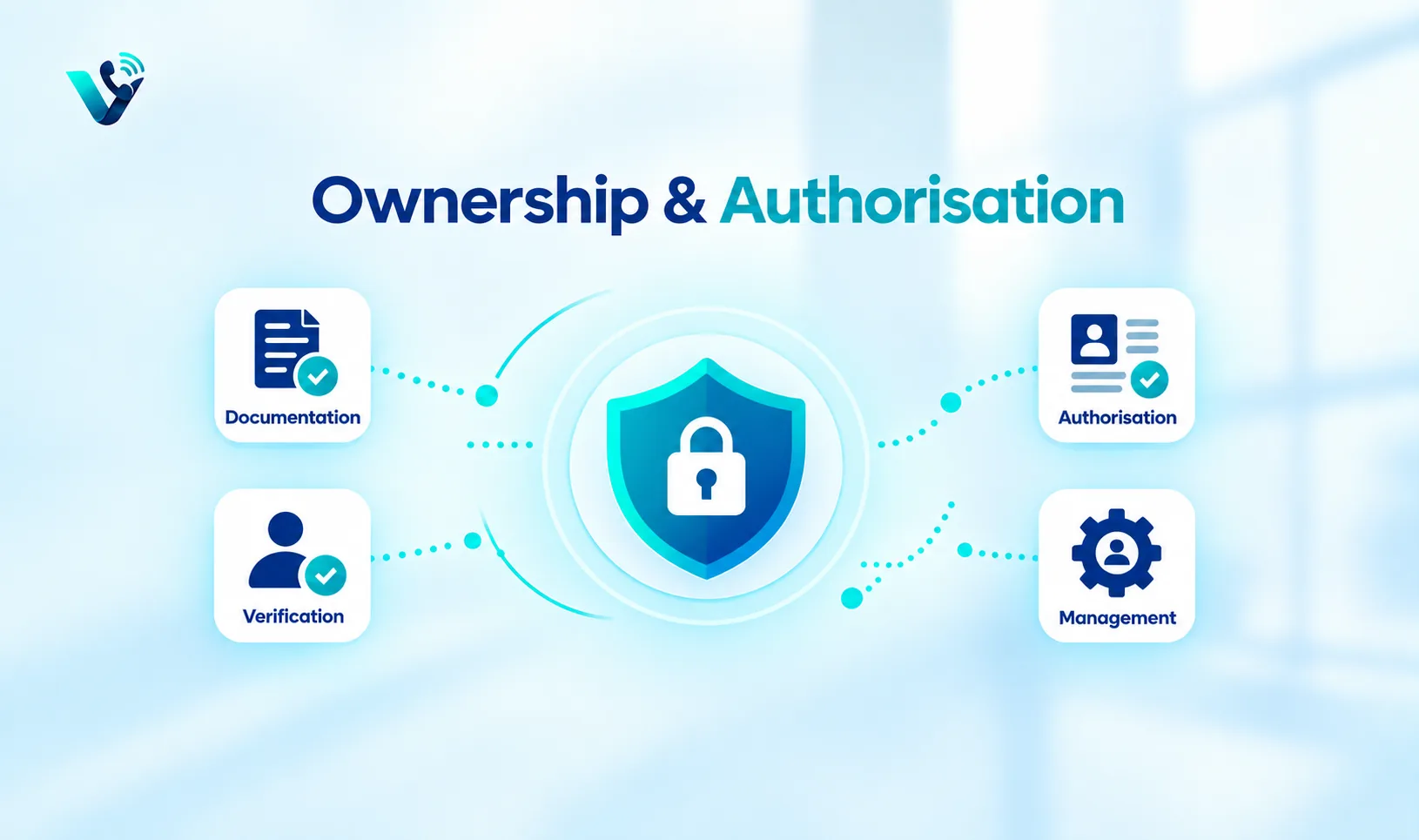
Do not cancel the old number first
This is one of the most important porting rules. Keep the existing service active until the new provider confirms that the port has completed and the number is working. Cancelling early can cause the number to be returned to the carrier or make the port request fail. The business should plan the migration as a controlled cutover, not as two independent account changes.
Keep the old service active until the new provider confirms that the port has completed and the number works. Cancellation before completion can break the migration or risk losing control of the number. Treat cancellation as the final cleanup step after inbound, outbound and any messaging tests have passed.
Create a temporary transition plan
Before the port date, configure the new cloud system, users, queues, business hours and CRM integration. If possible, maintain forwarding or parallel access during the transition. Prepare a fallback number for customers if the cutover experiences a delay. Inform the team about the exact date and time and define who will test the number immediately after the port.
Configure the new cloud phone system before the cutover: users, queues, business hours, voicemail, overflow and CRM integration should already exist. If the provider supports temporary forwarding or parallel access, decide whether it will be used. Give the team a fallback number and a named cutover owner so issues are handled quickly.
Test inbound and outbound service
After the port, test calls from mobile and fixed networks, outbound caller ID, transfers, voicemail, business hours and emergency arrangements where relevant. If SMS is part of the workflow, test inbound and outbound messaging separately. A successful port only proves that the number moved; it does not prove that every feature of the new cloud system is configured correctly.
A successful port only means the number moved. Test calls from more than one network, outbound caller ID, transfers, voicemail, schedules and any emergency arrangements that apply. If SMS is required, test it separately. Verify that the call history and customer workflow behave correctly in the new platform.
Porting and CRM continuity
The CRM should not create a duplicate customer simply because the telephony provider changed. Keep the existing lead and customer records while updating the phone-system metadata. Check that call activity, recordings where permitted, source attribution and ownership continue to attach to the correct records. LeadMino can remain the system of record for the lead relationship while the cloud phone platform changes underneath it.
The telephony provider can change without creating a new customer relationship. Keep existing CRM records and update the phone-system connection underneath them. Check that activities, recordings where permitted, source attribution, owner and next action continue to attach to the correct lead or customer after the port.
Common reasons ports are delayed
Incorrect account information, mismatched service addresses, missing authorisation, unsupported number types and unresolved carrier records can delay a port. The fastest way to reduce risk is to copy information exactly from the current carrier account and respond quickly to provider requests. Keep a single internal owner responsible for the migration so questions do not bounce between sales, IT and finance.
Most avoidable delays come from data quality and ownership mismatches. Compare the port request against the current carrier record character by character, respond quickly to provider questions and keep one internal owner responsible for the migration. If the number type is unsupported, decide early whether to keep the old service, forward temporarily or introduce a replacement number.
The cloud-porting checklist
Confirm eligibility, gather ownership documents, submit the port request, configure the new system, keep the old service active, plan the cutover, test all required capabilities and update the CRM workflow. Number portability can preserve customer continuity, but it should be treated as a project with a checklist and rollback plan rather than a simple button inside the cloud-phone dashboard.
Validate eligibility, collect documents, submit the request, configure the new system, keep the old service active, define the cutover window, test all required features and update the CRM integration. Add a rollback or fallback plan so customers still have a way to reach the business if the timetable changes.
Try this on your own numbers
Local numbers in 118 countries, AI call notes and one shared inbox. Live the same day, no contract.
Common mistakes to avoid
- Cancelling the old service before completion: Keep it active until the port is confirmed and tested.
- Submitting mismatched account information: Copy legal name, service address and account details from the current carrier records.
- Waiting until cutover day to configure the cloud system: Build queues, hours, voicemail and CRM integration beforehand.
- Assuming porting moves every feature: Test caller ID, SMS, routing and integrations separately after migration.
- Having no single migration owner: Assign one person to coordinate providers, internal teams and post-cutover testing.
Practical implementation checklist
Area |
Purpose |
Check |
|
Eligibility |
Number/provider |
Validate before cancellation |
|
Documents |
Ownership/authorisation |
Match carrier records |
|
Cutover |
Testing/fallback |
Keep old service active until confirmed |
Frequently asked questions
- What is the main thing to check about port existing number to cloud phone system?
- Check the exact number type, provider eligibility, required documentation and the communication features you actually need.
- Can a remote team use the number?
- Often yes, if the provider supports the routing and the number is eligible for the intended service.
- Does a virtual number automatically support SMS?
- No. SMS capability is separate and should be verified for the exact number.
- Do I need a local office?
- Not necessarily, but some number types or markets can require local presence or address evidence.
- Can I connect the number to a CRM?
- Yes. Connecting calls and messages to a CRM helps preserve ownership, source, status and next action.
- What should I test before publishing it?
- Test inbound and outbound calling, caller ID, business hours, overflow, SMS if needed, and the CRM workflow.
- How long does number porting take?
- The supplied material does not give a universal timeline because timing depends on country, number type, carrier, provider and documentation. Ask the new provider for the current estimate after eligibility is confirmed.
- Should I update website phone numbers before the port completes?
- Usually keep the existing public number unchanged if it is the number being ported. Update routing and provider details behind the scenes, then verify service after cutover.