What Is Number Porting and How Long Does It Really Take
By Jamila Parker · · 2 min read

Number porting lets you move an existing business number to a new VoIP provider. Learn the process, typical delays, documents, and ways to reduce downtime.
Key takeaways
- Choose the feature based on workflow, customer experience, and team size.
- Clear rules and testing matter more than simply enabling a feature.
- Use accurate business information and respect applicable privacy and calling requirements.
- Review performance data and update the call flow as the business grows.
What Number Porting Means
Number porting is the process of transferring a telephone number from one provider or service to another while keeping the number. For a business, the goal is continuity: customers can keep using the number printed on websites, signage, invoices, and saved contacts while the underlying service changes.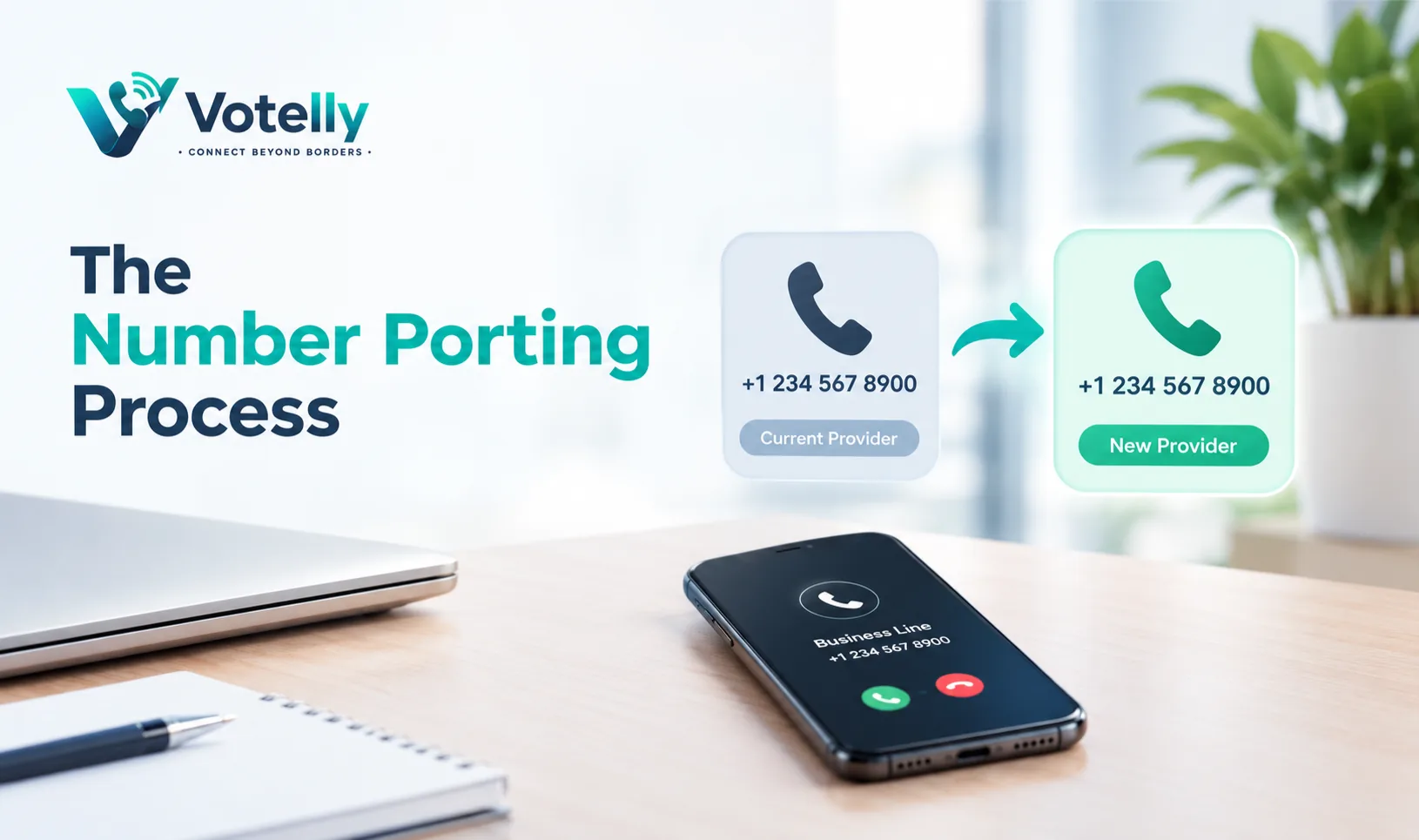
How the Process Works
1. Check that the number is eligible and identify the current account owner.
2. Collect a recent bill, service address, account details, and any required authorisation.
3. Submit the port request with the new provider.
4. The providers validate the information and agree on a transfer date.
5. Test inbound and outbound calls after the number moves.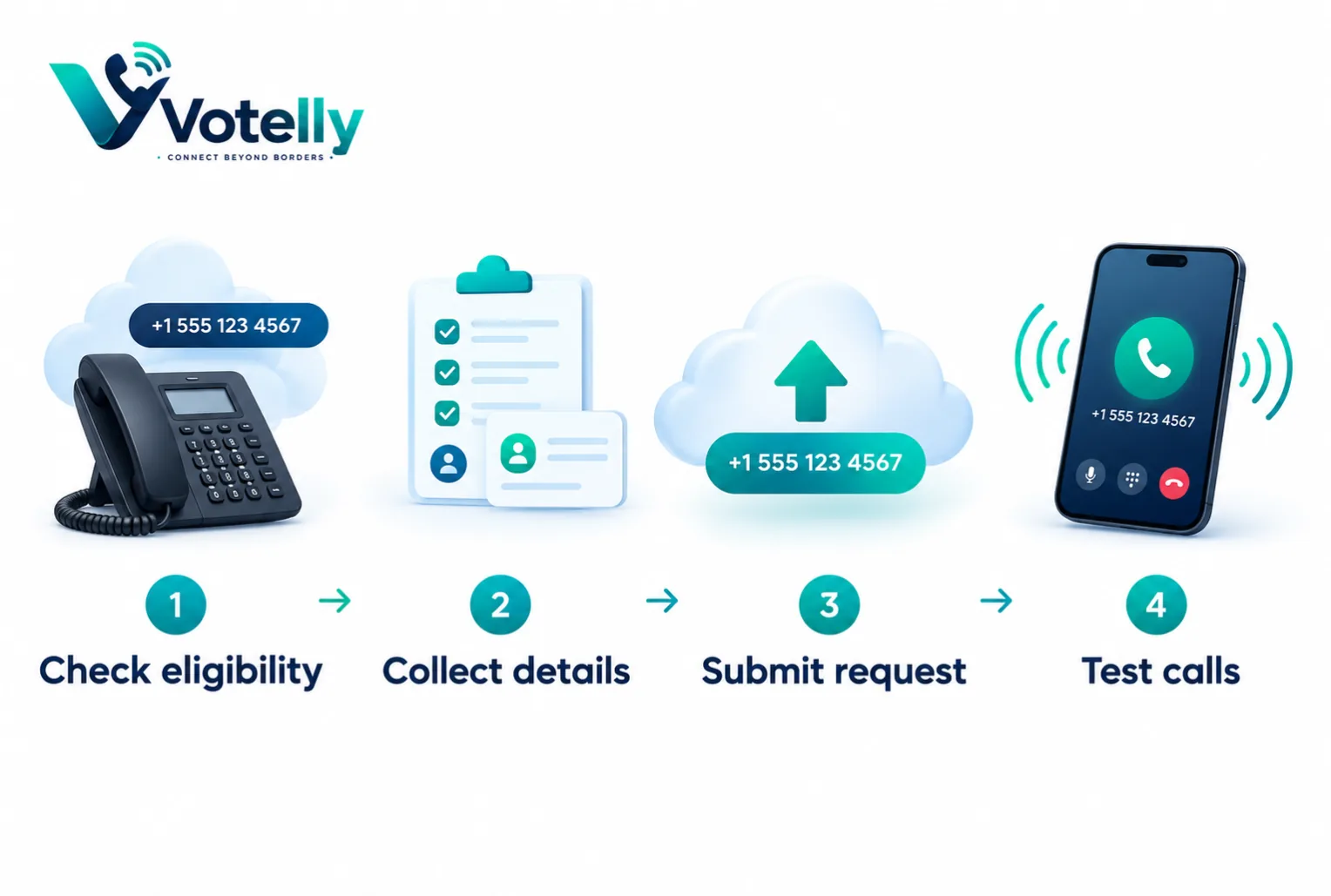
How Long Does Porting Take?
Timing depends on number type, country, provider, documentation, and whether the request contains errors. Straightforward requests may complete quickly, while complex business numbers, multiple-number accounts, geographic requirements, or rejected information can take longer. Treat any provider estimate as a planning window rather than a guarantee.
What Causes Delays?
- Incorrect service address or account name.
- A mismatch between the request and the current provider’s records.
- Missing authorisation or an outdated bill.
- Numbers being bundled with services that need separate handling.
- Public holidays, carrier dependencies, or an incomplete range request.
How to Reduce Downtime
- Keep the old service active until inbound testing is complete.
- Do not cancel the old account before the port is confirmed.
- Ask the new provider about temporary forwarding or parallel service.
- Export call recordings, voicemail greetings, contacts, and settings in advance.
- Test the main number, direct numbers, SMS, caller ID, and emergency-service arrangements where relevant.
Try this on your own numbers
Local numbers in 118 countries, AI call notes and one shared inbox. Live the same day, no contract.
Porting Checklist
Before submission |
On transfer day |
After completion |
Verify account details |
Keep staff informed |
Test from multiple networks |
Save a recent bill |
Monitor the old service |
Update caller ID and voicemail |
Confirm number list |
Avoid changing settings |
Check website and directories |
Final Advice
The examples are written for business VoIP users and should be matched to the provider’s current features, local numbering rules, and calling regulations. The safest approach is to appoint one owner, document every number, confirm the porting window in writing, and maintain a fallback contact method.
Frequently asked questions
- What is number porting?
- What Is Number Porting and How Long Does It Really Take? describes a VoIP or business calling approach that helps organisations manage calls more consistently and efficiently.
- Who benefits from this feature?
- Small businesses, sales teams, support teams, and contact centres can benefit when the feature matches their call volume and workflow.
- Is it included in every VoIP plan?
- No. Availability, limits, reporting, recording, and external-call charges vary by provider and plan.
- How should I set it up?
- Define the desired customer journey, configure the feature, test normal and exception paths, then monitor results.
- What is the biggest mistake to avoid?
- Avoid copying a complex setup without checking staffing, privacy, caller experience, and fallback options.
- How does it support SEO and customer trust?
- A clear, useful guide helps visitors understand the service. Publish original content, use descriptive titles and links, and keep product claims accurate.