OpenPhone Alternatives for Teams Past 10 Seats
By Jamila Parker · · 6 min read

OpenPhone, now Quo, stays easy to use as teams grow, but 10+ seats often expose new routing, reporting, coverage and administration needs. Compare the next-step options.
Key takeaways
- OpenPhone is now Quo; annual pricing is $15 Starter, $23 Business and $35 Scale per user.
- Ten seats is not a technical limit, but it is often where governance, routing and reporting become more important.
- Aircall, Dialpad, Zoom Phone and Teams Phone are natural step-up comparisons for different operating models.
- Run a role-and-number audit before migrating so you do not buy one full licence for every person unnecessarily.
OpenPhone is now Quo - and it can still scale
Openphone alternatives. The first thing to clear up is the name. OpenPhone rebranded to Quo, and the current product still focuses on shared business numbers, calling, texting and team collaboration. Quo lists Starter at $15 per user per month annually, Business at $23 and Scale at $35. Business adds group calling, custom ring orders, transfers, phone menus, analytics, automatic recording and AI summaries and transcripts.
There is no magic wall at ten users. A 12-person company can be perfectly happy on Quo. The reason to compare alternatives is organisational: once several departments share phone numbers, managers usually want more granular routing, reporting, permissions, office structures, international number coverage and integrations. Those requirements can change the best-fit platform.
What changes after 10 seats
Small teams can often solve calls with one shared number and a simple ring order. A larger team tends to need business-hour rules, separate sales and support queues, overflow, holidays, supervisors, ownership, call monitoring and reporting by team. It may also have multiple offices or countries. The phone system becomes operational infrastructure rather than a convenient second number.
This is also the point where licence design matters. Count people who actually answer or place calls, shared service accounts, reception devices and occasional users separately. Compare the number of paid seats and paid numbers you need in each platform, not just the per-user rate.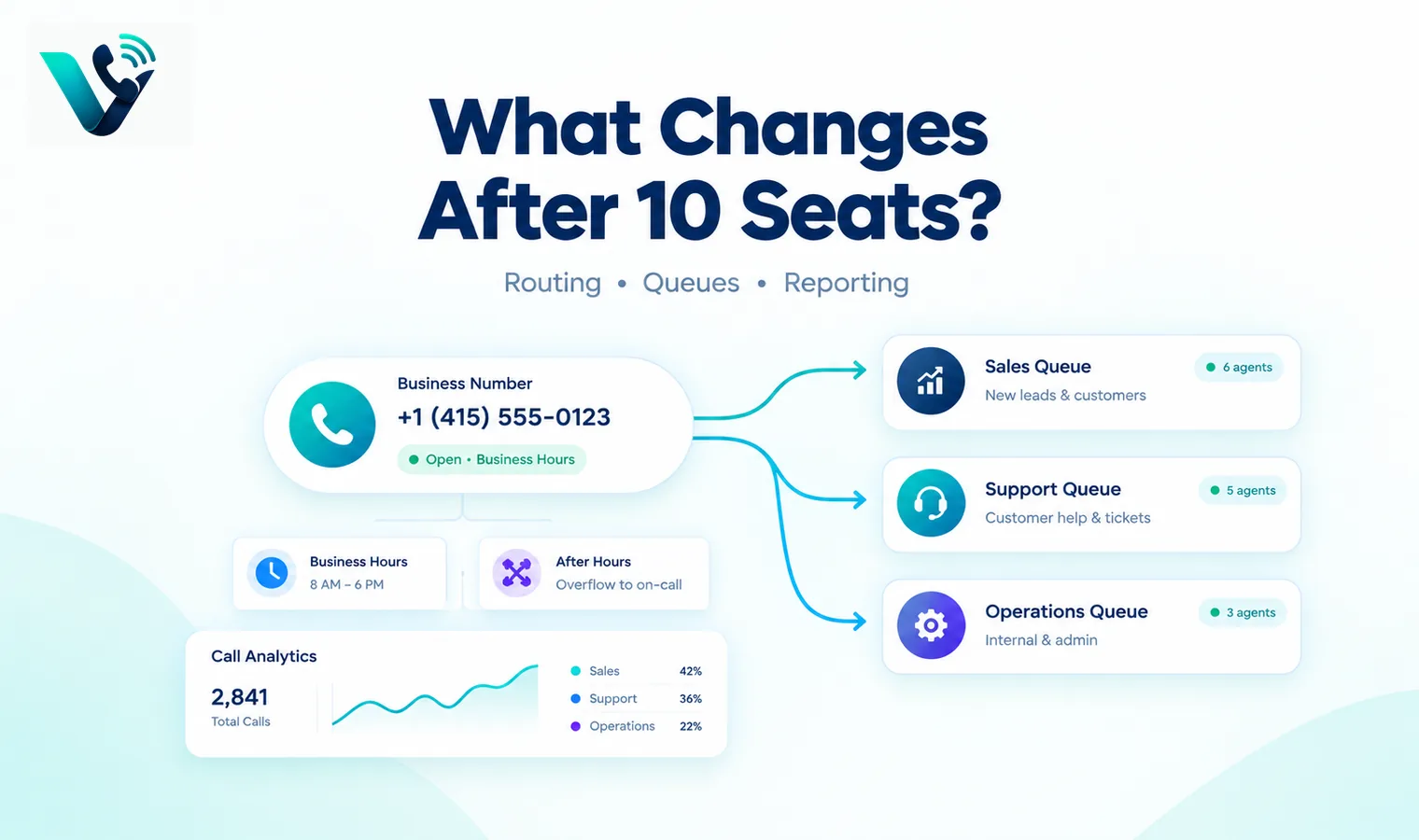
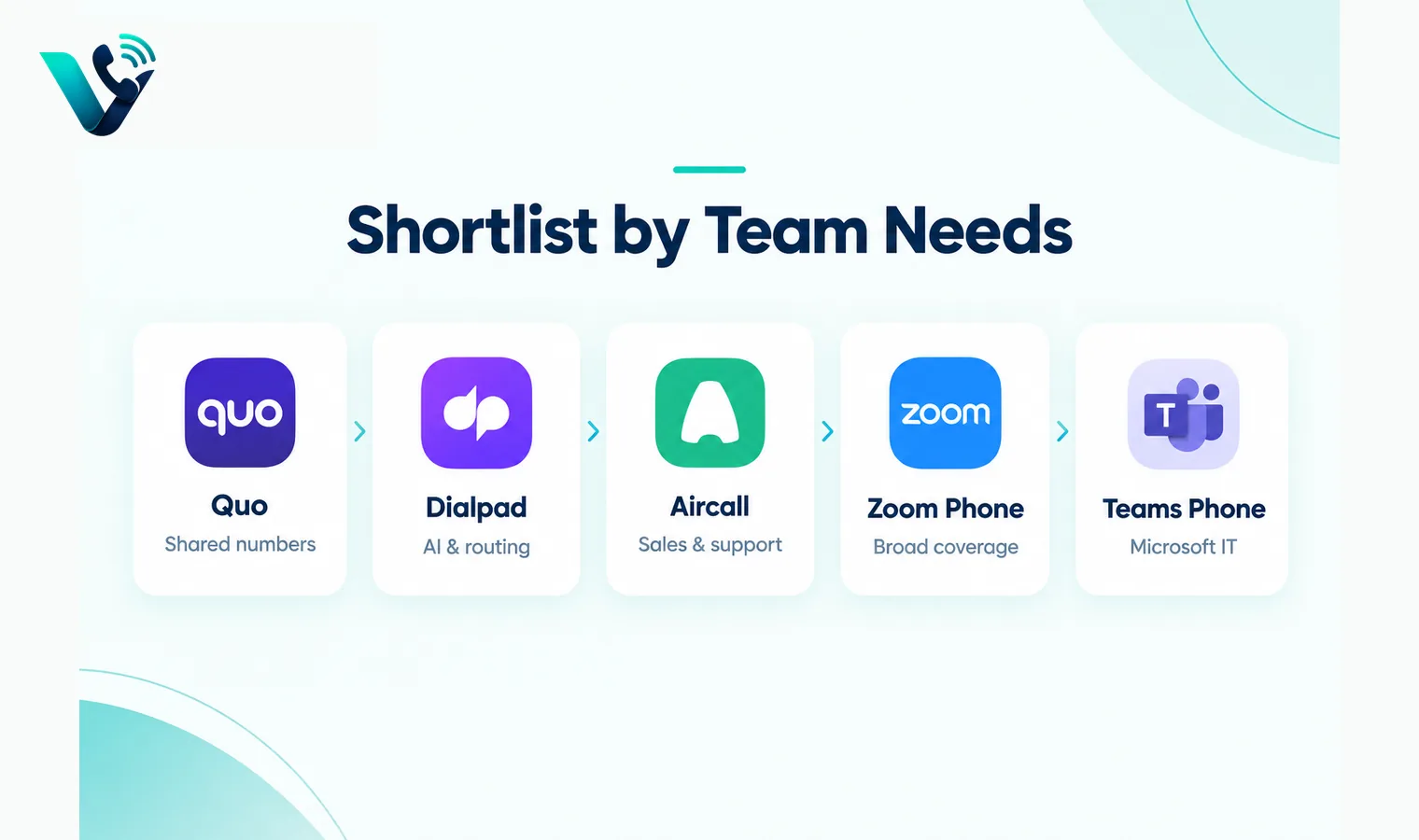
Alternatives to shortlist
Platform |
Why teams move to it |
Published price signal |
Best for |
|
Quo Business |
Keep shared-number simplicity with more routing and AI |
$23/user/mo annual |
North American SMB teams |
|
Dialpad Connect |
AI recaps, routing and unified communications |
$15 Standard / $25 Pro annual |
AI-first teams |
|
Aircall |
Deep sales/support integrations and administration |
$30 Essentials; 3-seat minimum |
Revenue and support operations |
|
Zoom Phone |
Broad phone footprint and Zoom Workplace alignment |
From $10 metered; $15 unlimited NA |
Distributed/multinational teams |
|
Teams Phone |
Native Teams calling and flexible PSTN models |
$10 Phone Standard + prerequisites |
Microsoft-centred IT |
Do not migrate without testing the shared-number workflow
A feature-rich PBX can actually feel worse if everyday collaboration becomes slower. Recreate your busiest shared number and have several users work from it. Can two people see who owns a callback? Are internal notes separate from customer messages? Is the full conversation history visible? Can a manager change the ring order without opening a ticket? Can an agent transfer a live caller to the right person from mobile as easily as desktop?
For sales teams, test outbound caller ID, power dialling, call disposition and CRM logging. For support, test queue behaviour, callbacks and missed-call recovery. For operations, test bulk user changes, permissions and analytics exports. The migration should improve these daily actions, not simply add more settings.
When staying on Quo makes more sense
Stay when most calling is US/Canada based, teams genuinely collaborate around shared numbers, and Quo’s Business or Scale tier covers your routing and reporting needs. A migration has its own cost: number porting, user training, integration changes, policy work and a period of dual service. If the existing tool is reliable and the pain is a missing process rather than a missing capability, redesign the workflow before replacing the platform.
Move when you have a hard requirement Quo cannot meet economically or operationally, such as broader native telephony coverage, a more complex contact-centre queue, a different compliance model or a suite your workforce already uses heavily.
A practical proof-of-concept before you sign
Run a short proof-of-concept instead of choosing from feature grids. Pick three real call journeys: a new sales enquiry, an existing customer needing help, and an after-hours or no-answer case. Configure the same journeys in every shortlisted system and let the people who will actually answer calls use them. Measure answer time, transfer friction, missed-call recovery, mobile reliability, search, reporting and how much administrator work is needed to change a route. Also test a deliberately awkward case such as a transfer to an unavailable user or an integration outage. The best system is usually the one that stays understandable when something goes wrong, not the one with the longest feature page.
Put the hidden costs into one quote
Ask every vendor to price the identical scenario: the same user count, countries, telephone-number inventory, domestic and international usage, recording period, AI requirements, messaging volume and support level. Request separate line items for licences, numbers, minutes, toll-free usage, international calls, messaging registration, AI, storage, implementation, premium support, taxes and regulatory pass-through fees. If a plan is described as unlimited, read the fair-use conditions. If the discount depends on an annual or multi-year term, show the undiscounted renewal position as well. A comparable total-cost worksheet prevents a cheap entry tier from hiding the cost of the tier you actually need.
Migration and exit planning
Before committing, document how numbers are ported in, how long common ports take, what happens during a failed port and how numbers can be ported out later. Export requirements matter too: recordings, transcripts, call logs, messages, contacts and analytics should not become trapped simply because the subscription ends. For a migration, pilot one low-risk number or small team, validate inbound and outbound caller ID, emergency-calling obligations, business hours, voicemail, transfers and integrations, then move larger number blocks in controlled waves. Keeping the old service active until the new routing is proven is usually cheaper than recovering from an aggressive all-at-once cutover.
Try this on your own numbers
Local numbers in 118 countries, AI call notes and one shared inbox. Live the same day, no contract.
Security, privacy and policy checks
Confirm how the service encrypts signalling and media, how administrators control access, and how recordings, transcripts and messages are retained. If SSO or automated user provisioning matters, test the exact identity workflow rather than assuming an enterprise logo means it is included in your tier. Review recording-consent obligations and data-location requirements with the people responsible for privacy and compliance. Also ask how fraud, compromised credentials and unusual international calling are detected. Security features are most useful when administrators can understand and operate them without specialist intervention.
Support and day-two administration
The system still needs to be easy after the implementation team leaves. Have your own administrator add and remove a user, change a number, edit a holiday schedule, update routing, find a recording, export a call report and troubleshoot a poor-quality call. Then review support hours, severity definitions, escalation channels and any extra cost for faster response. For a business phone system, day-two administration and support are part of the product: a small monthly saving can disappear quickly if every routine change becomes a ticket or a consultant task.
Frequently asked questions
- Is OpenPhone still called OpenPhone?
- The company rebranded OpenPhone to Quo. Many buyers still search for OpenPhone alternatives, so both names are useful for context.
- Is OpenPhone limited to 10 users?
- No. Ten seats is not a hard product limit. It is simply a common point where larger-team routing, governance and reporting needs become more visible.
- How much does Quo cost?
- Quo currently lists annual rates of $15 per user for Starter, $23 for Business and $35 for Scale, with higher monthly rates.
- Which alternative is best for AI call notes?
- Dialpad is a strong AI-first comparison; Aircall, Quo and Zoom also provide AI call summary features in selected plans.
- Which option is better for international teams?
- Zoom Phone and Teams Phone are useful comparisons for multinational deployments, but exact number and PSTN availability still needs country-level verification.
- Should I port all numbers at once?
- Usually no. Pilot a low-risk number, validate inbound and outbound routing, then schedule the main port with a rollback and communication plan.