How Much Bandwidth Does VoIP Need Per Call?
By Jamila Parker · · 6 min read

A typical G.711 VoIP call uses roughly 80-90 Kbps each way once packet overhead is included. Plan for concurrency, headroom, latency, jitter and packet loss - not speed alone.
Key takeaways
- Cisco calculates about 87.2 Kbps Ethernet bandwidth for a G.711 call with common 20 ms packetisation and about 31.2 Kbps for G.729.
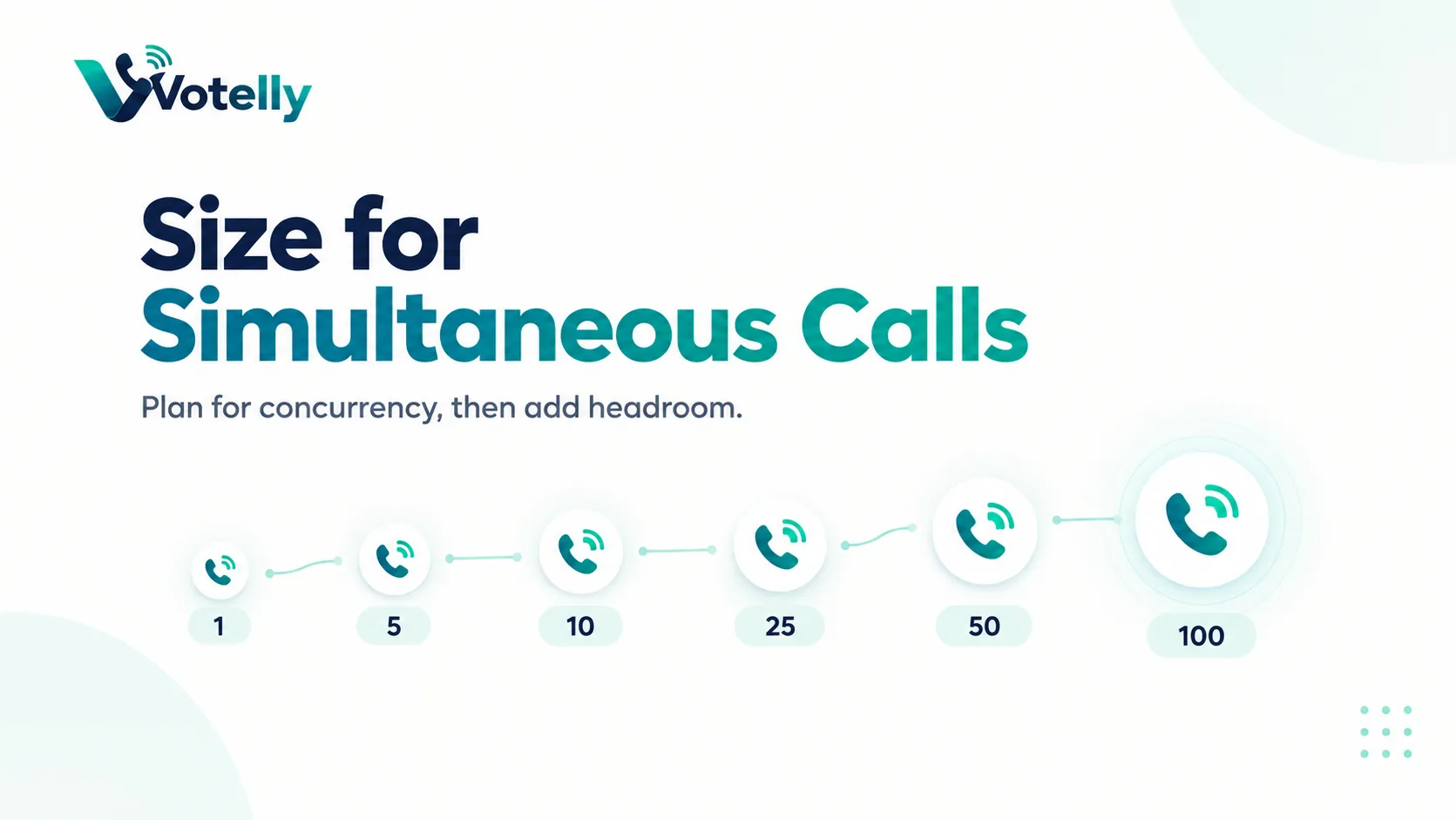
- Bandwidth is needed in both upload and download directions, and you size for simultaneous calls rather than total users.
- For simple planning, allow about 100 Kbps each way per concurrent G.711 call, then add headroom for other traffic and overhead.
- A fast connection can still sound bad if latency, jitter, Wi-Fi congestion or packet loss is poor.
The quick planning answer
Bandwidth does voip need per call. For a standard high-quality G.711 voice call, plan roughly 100 Kbps of upload and 100 Kbps of download for each simultaneous call. That is a practical rounded number, not the raw codec rate. G.711 encodes audio at 64 Kbps, but IP, UDP, RTP and link-layer headers add overhead. Cisco’s bandwidth calculation table shows about 87.2 Kbps on Ethernet for G.711 using a 20 ms voice payload.
Compressed codecs use less. Cisco’s same example shows G.729 at about 31.2 Kbps on Ethernet. Your cloud phone provider may choose codecs dynamically, so use the provider’s recommended planning value when available.
Bandwidth examples by simultaneous calls
Concurrent calls |
G.711 at 87.2 Kbps (one direction) |
Simple 100 Kbps planning value |
Suggested practical headroom* |
|
1 |
0.087 Mbps |
0.10 Mbps |
~0.13 Mbps |
|
5 |
0.436 Mbps |
0.50 Mbps |
~0.65 Mbps |
|
10 |
0.872 Mbps |
1.00 Mbps |
~1.30 Mbps |
|
25 |
2.18 Mbps |
2.50 Mbps |
~3.25 Mbps |
|
50 |
4.36 Mbps |
5.00 Mbps |
~6.50 Mbps |
|
100 |
8.72 Mbps |
10.00 Mbps |
~13.00 Mbps |
Why the codec bit rate is not the whole answer
A codec turns speech into a stream of digital audio. That audio is split into packets, and every packet carries headers so networks know where it belongs and how to reconstruct the media stream. Smaller packet intervals create more packets per second, which increases header overhead. Ethernet, VPNs and other encapsulation can add more.
This is why a 64 Kbps codec does not mean a 64 Kbps internet requirement. It is also why vendor bandwidth calculators can show different values: packetisation, encryption and network layers differ.
Do not size from employee count
A 100-person office rarely has 100 simultaneous phone calls. Use busy-hour call data or a realistic concurrency assumption. A sales floor may have high concurrency; a professional-services office may have much lower concurrency. Multiply concurrent calls by the planning bandwidth, then make sure both upload and download capacity have room left after normal business traffic.
If the office has a 500 Mbps download but only 20 Mbps upload, the upload side may be the relevant limit. Cloud backups, video meetings and large file sync can compete with voice, so raw line speed should not be treated as permanently available capacity.
Latency, jitter and packet loss can break calls before bandwidth runs out
Voice is real-time. A large file can slow down and still complete correctly; a voice packet that arrives too late is not useful. Latency is delay, jitter is variation in arrival time, and packet loss is missing media. Congested Wi-Fi, poor ISP paths and overloaded routers can damage voice quality even when a speed test reports hundreds of megabits.
Monitor quality metrics from the phone platform where available. For offices with heavy traffic, configure QoS consistently across managed switches/routers, separate problematic guest traffic and prefer wired connections for fixed high-volume agents.
Wi-Fi planning matters
Modern Wi-Fi can carry many voice calls, but coverage, roaming, interference and airtime utilisation matter. A laptop may show strong signal while sharing a busy channel with many devices. Test calls while users walk between access points, during busy meeting periods and in the areas where agents actually sit.
For a contact centre, wired Ethernet remains attractive because it removes a variable. For hybrid knowledge workers, well-designed Wi-Fi plus a mobile fallback is usually more practical.
A simple bandwidth planning formula
Use: concurrent calls × per-call planning bandwidth × headroom factor. For 30 simultaneous G.711 calls using a 100 Kbps planning value and 30% headroom: 30 × 0.1 Mbps × 1.3 = 3.9 Mbps required in each direction for voice capacity. Then make sure your circuit still has capacity for every other application.
This formula is deliberately conservative and simple. For large deployments, use the provider’s codec and packetisation details plus real traffic data.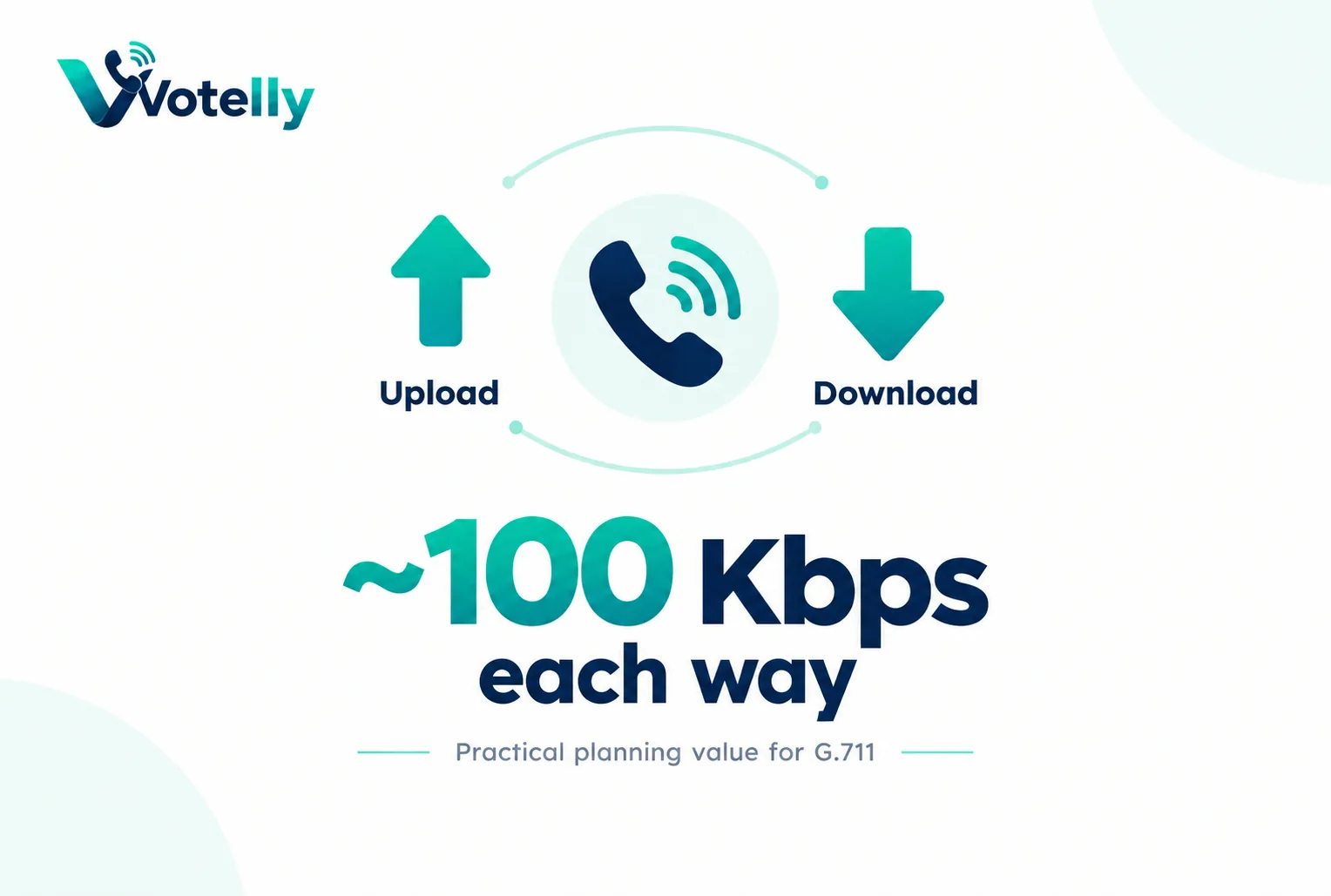
What this means when choosing a business phone provider
Translate the technical concept into an operational requirement. Ask the provider to show the setting or workflow in a live tenant, explain which plan includes it, and identify any country, number, device or network limitations. The same technical term can hide very different implementations. A simple queue, for example, may be enough for a five-person team while a contact centre needs skills, priority, callbacks, supervisor controls and detailed reporting. Document the outcome you need before comparing terminology, then test it with a real call rather than accepting a diagram as proof.
Common implementation mistakes
Most failures happen around the edges: number porting is scheduled before routing is tested; remote users are not told how emergency location works; Wi-Fi is assumed to be fine because ordinary web browsing works; recording is enabled without a retention or consent policy; or an integration is purchased without checking what fields it actually writes back. Treat the phone system as an end-to-end service that includes carrier, network, devices, users, identity, data and support. A short pre-launch checklist and named owner for each area prevents far more problems than adding another advanced feature.
A simple validation checklist
Test inbound and outbound calls on desktop and mobile, hold and transfer, voicemail, caller ID, business hours, no-answer behaviour and at least one failure path. If the design uses queues or IVR, call every branch of the flow. If it uses an API or CRM, verify both successful write-back and what happens when the destination is unavailable. Review call-quality data during the pilot and ask users about audio, delay and ease of use. Finally, confirm support escalation and a rollback route before moving a high-value published number.
Try this on your own numbers
Local numbers in 118 countries, AI call notes and one shared inbox. Live the same day, no contract.
Security, privacy and policy checks
Confirm how the service encrypts signalling and media, how administrators control access, and how recordings, transcripts and messages are retained. If SSO or automated user provisioning matters, test the exact identity workflow rather than assuming an enterprise logo means it is included in your tier. Review recording-consent obligations and data-location requirements with the people responsible for privacy and compliance. Also ask how fraud, compromised credentials and unusual international calling are detected. Security features are most useful when administrators can understand and operate them without specialist intervention.
Support and day-two administration
The system still needs to be easy after the implementation team leaves. Have your own administrator add and remove a user, change a number, edit a holiday schedule, update routing, find a recording, export a call report and troubleshoot a poor-quality call. Then review support hours, severity definitions, escalation channels and any extra cost for faster response. For a business phone system, day-two administration and support are part of the product: a small monthly saving can disappear quickly if every routine change becomes a ticket or a consultant task.
Frequently asked questions
- How much bandwidth does one VoIP call use?
- A practical planning value for G.711 is about 100 Kbps each way. Cisco calculates about 87.2 Kbps on Ethernet for a common G.711 packetisation example.
- Does VoIP use upload bandwidth?
- Yes. A two-way call sends and receives audio, so both upstream and downstream capacity matter.
- How much bandwidth for 10 simultaneous calls?
- Using a simple 100 Kbps G.711 planning value, about 1 Mbps each way before headroom; around 1.3 Mbps with 30% headroom.
- Does G.729 use less bandwidth than G.711?
- Yes. Cisco’s example shows about 31.2 Kbps on Ethernet for G.729 versus 87.2 Kbps for G.711.
- Why is my VoIP bad with fast internet?
- Latency, jitter, packet loss, Wi-Fi congestion, routing or local network queues can harm real-time audio even when bandwidth is plentiful.
- Should I use Wi-Fi for a call centre?
- It can work on well-designed Wi-Fi, but wired Ethernet reduces variability for fixed high-volume agents and is easier to troubleshoot.