What Is an IVR and How Do You Build One in 2026?
By Jamila Parker · · 6 min read

An IVR answers a call, gathers input and routes or resolves the request. In 2026, the best IVRs combine simple menus, context, callbacks and selective conversational AI.
Key takeaways
- IVR means interactive voice response: an automated system that gathers caller input and decides what happens next.
- DTMF keypad input remains reliable; speech and natural-language interfaces can reduce menu depth when implemented carefully.
- A good IVR starts with caller intent and operational routing, not with a long recording script.
- Always provide a clear escape path to a human and test after-hours, no-answer and failure scenarios.
What is an IVR?
What is an ivr. Interactive voice response, or IVR, is the automated layer that answers a phone call and lets the caller interact before reaching a person or completing a task. Twilio describes IVR as an automated telephony system that uses voice recognition and touch-tone keypad selections - DTMF - to steer callers through menu options and information.
The familiar example is “Press 1 for sales, 2 for support.” Modern IVR can also look up a customer, ask for an account reference, offer a callback, collect a simple response or use natural-language speech to infer intent. It normally works together with an ACD or routing system that selects the queue or agent.
A modern IVR flow
Step |
What happens |
Design goal |
|
1. Answer |
Greeting and disclosure where required |
Be brief and confirm the business identity |
|
2. Identify intent |
Keypad, speech or context from known caller |
Ask only what changes routing or service |
|
3. Self-service |
Provide status/payment/booking info where safe |
Resolve simple needs without an agent |
|
4. Route |
Send to the right queue or skill |
Do not make callers repeat information |
|
5. Wait treatment |
Queue message, estimated wait or callback |
Give the caller useful choices |
|
6. Handoff |
Pass context to the agent |
Show what the caller already entered |
How to build an IVR in 2026
Start with call data, not a blank flowchart. Group the top reasons people call and identify which teams actually resolve them. Build the first level around those intents, keeping choices limited and using language customers use. If a caller can be identified from the number or CRM, skip questions you already know.
Next define time conditions, holidays, languages, queue destinations, overflow and what happens when nobody is available. Then decide where self-service is appropriate. A delivery-status lookup may be safe to automate; a complex complaint may deserve a human quickly. Add speech or conversational AI only where it makes the journey shorter or more natural.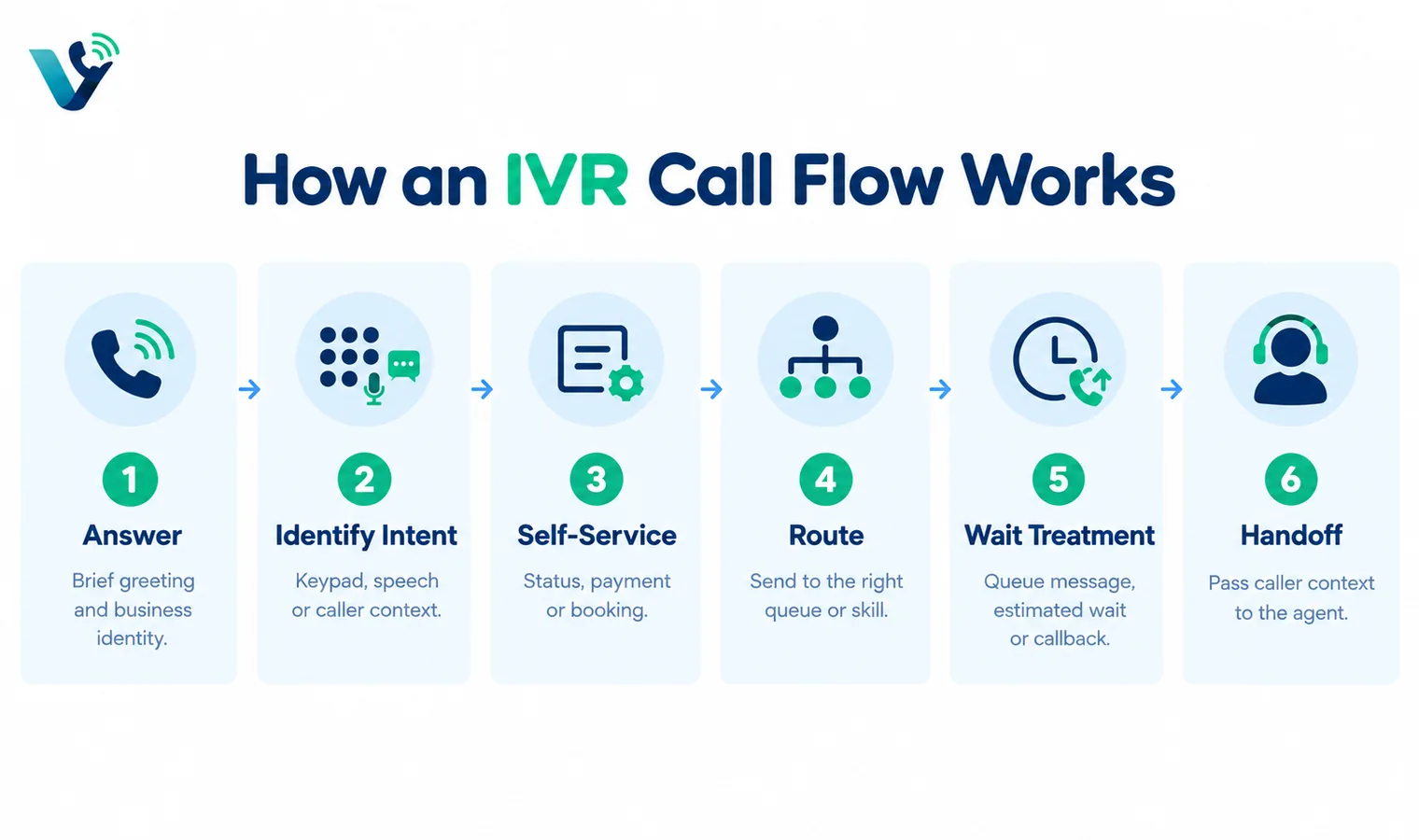
Keypad menu, speech recognition or conversational AI?
DTMF menus are predictable, accessible in noisy environments and easy to test. They are excellent for short menus and numeric input. Speech recognition removes the need to remember “which number was billing?” but must handle accents, background noise and ambiguous words. Conversational AI can accept fuller requests and perform richer automation, but it adds data, governance, testing and fallback requirements.
A practical architecture is hybrid: use context and natural language for the first intent when accuracy is high, keep keypad choices available, and fall back to a person when confidence is low. Do not trap callers in an AI loop.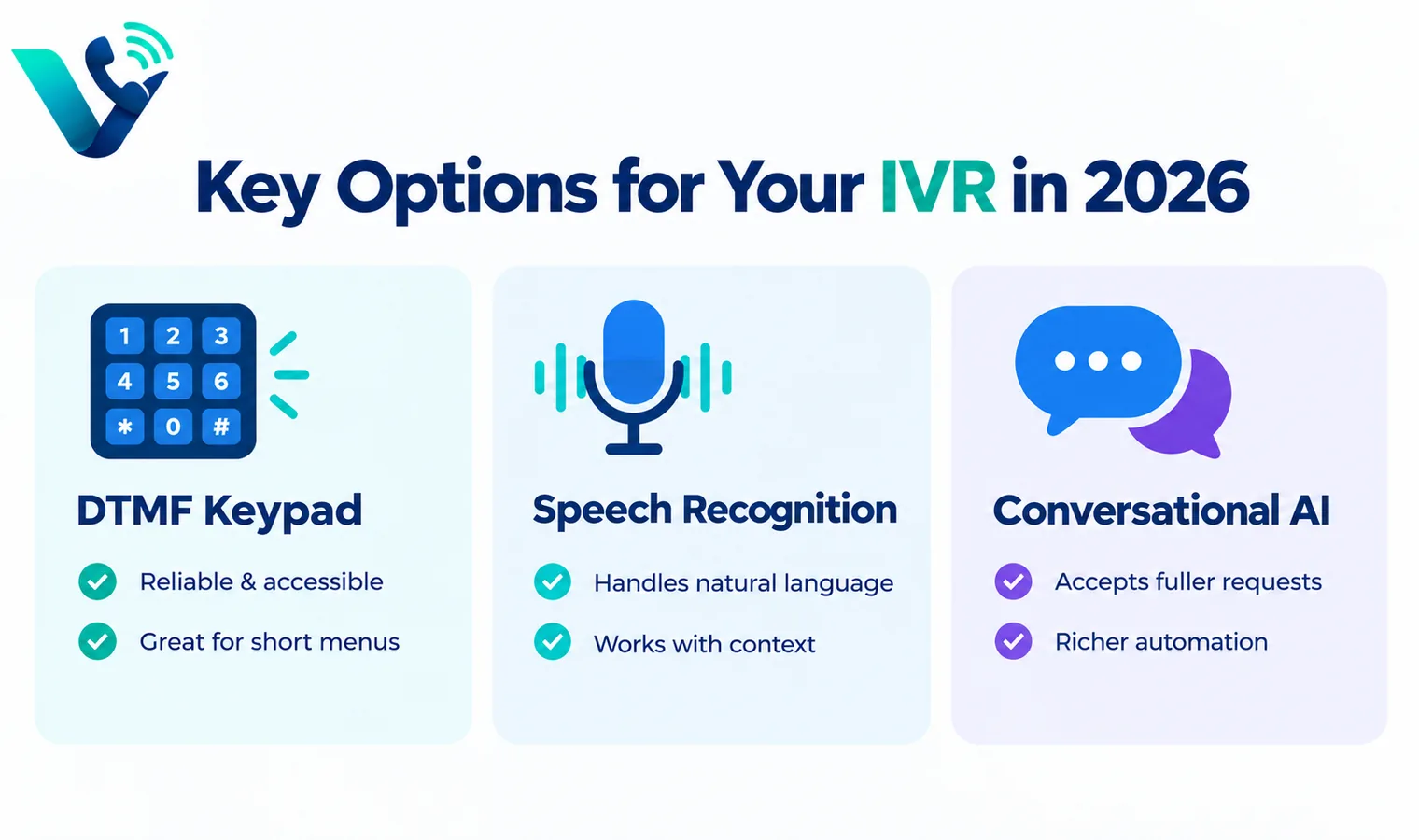
IVR mistakes that increase abandonment
- Opening with a long marketing message before giving choices.
- More than one or two deep menu layers for common tasks.
- Asking for information the agent cannot see after transfer.
- Hiding the option to reach a person.
- Routing by internal department names customers do not understand.
- No tested fallback when an integration or speech service is unavailable.
Measure the IVR after launch
Track containment or self-service completion, transfer rate, repeat calls, abandonment, time to correct queue and the percentage of callers who choose “other” or an agent immediately. Listen to failed journeys, not only successful calls. If many callers select one option and are then transferred elsewhere, the menu is describing your organisation rather than customer intent.
Review the flow whenever products, opening hours or team ownership changes. A simple IVR that is maintained beats an advanced one whose routes are stale.
What this means when choosing a business phone provider
Translate the technical concept into an operational requirement. Ask the provider to show the setting or workflow in a live tenant, explain which plan includes it, and identify any country, number, device or network limitations. The same technical term can hide very different implementations. A simple queue, for example, may be enough for a five-person team while a contact centre needs skills, priority, callbacks, supervisor controls and detailed reporting. Document the outcome you need before comparing terminology, then test it with a real call rather than accepting a diagram as proof.
Common implementation mistakes
Most failures happen around the edges: number porting is scheduled before routing is tested; remote users are not told how emergency location works; Wi-Fi is assumed to be fine because ordinary web browsing works; recording is enabled without a retention or consent policy; or an integration is purchased without checking what fields it actually writes back. Treat the phone system as an end-to-end service that includes carrier, network, devices, users, identity, data and support. A short pre-launch checklist and named owner for each area prevents far more problems than adding another advanced feature.
A simple validation checklist
Test inbound and outbound calls on desktop and mobile, hold and transfer, voicemail, caller ID, business hours, no-answer behaviour and at least one failure path. If the design uses queues or IVR, call every branch of the flow. If it uses an API or CRM, verify both successful write-back and what happens when the destination is unavailable. Review call-quality data during the pilot and ask users about audio, delay and ease of use. Finally, confirm support escalation and a rollback route before moving a high-value published number.
Try this on your own numbers
Local numbers in 118 countries, AI call notes and one shared inbox. Live the same day, no contract.
Security, privacy and policy checks
Confirm how the service encrypts signalling and media, how administrators control access, and how recordings, transcripts and messages are retained. If SSO or automated user provisioning matters, test the exact identity workflow rather than assuming an enterprise logo means it is included in your tier. Review recording-consent obligations and data-location requirements with the people responsible for privacy and compliance. Also ask how fraud, compromised credentials and unusual international calling are detected. Security features are most useful when administrators can understand and operate them without specialist intervention.
Support and day-two administration
The system still needs to be easy after the implementation team leaves. Have your own administrator add and remove a user, change a number, edit a holiday schedule, update routing, find a recording, export a call report and troubleshoot a poor-quality call. Then review support hours, severity definitions, escalation channels and any extra cost for faster response. For a business phone system, day-two administration and support are part of the product: a small monthly saving can disappear quickly if every routine change becomes a ticket or a consultant task.
Frequently asked questions
- What does IVR stand for?
- Interactive voice response. It is an automated telephone system that takes caller input and routes or serves the request.
- Is IVR the same as an auto attendant?
- They overlap. Auto attendant often means menu-based routing, while IVR can include richer input, data lookups and self-service.
- What is DTMF?
- Dual-tone multi-frequency is the signalling created by phone keypad presses and commonly used for IVR menu choices.
- Can IVR use AI?
- Yes. Speech recognition and conversational AI can interpret spoken intent, but they need confidence thresholds, privacy controls and human fallback.
- How many IVR options should I use?
- Keep the top level short and based on real caller intents. Avoid unnecessary nested menus.
- How do I know if an IVR is working?
- Measure correct routing, abandonment, transfers, self-service completion, repeat calls and caller feedback.